01
A tighter first cut
Describe the story; the agent drafts the cut so you start from a structure, not a raw file.
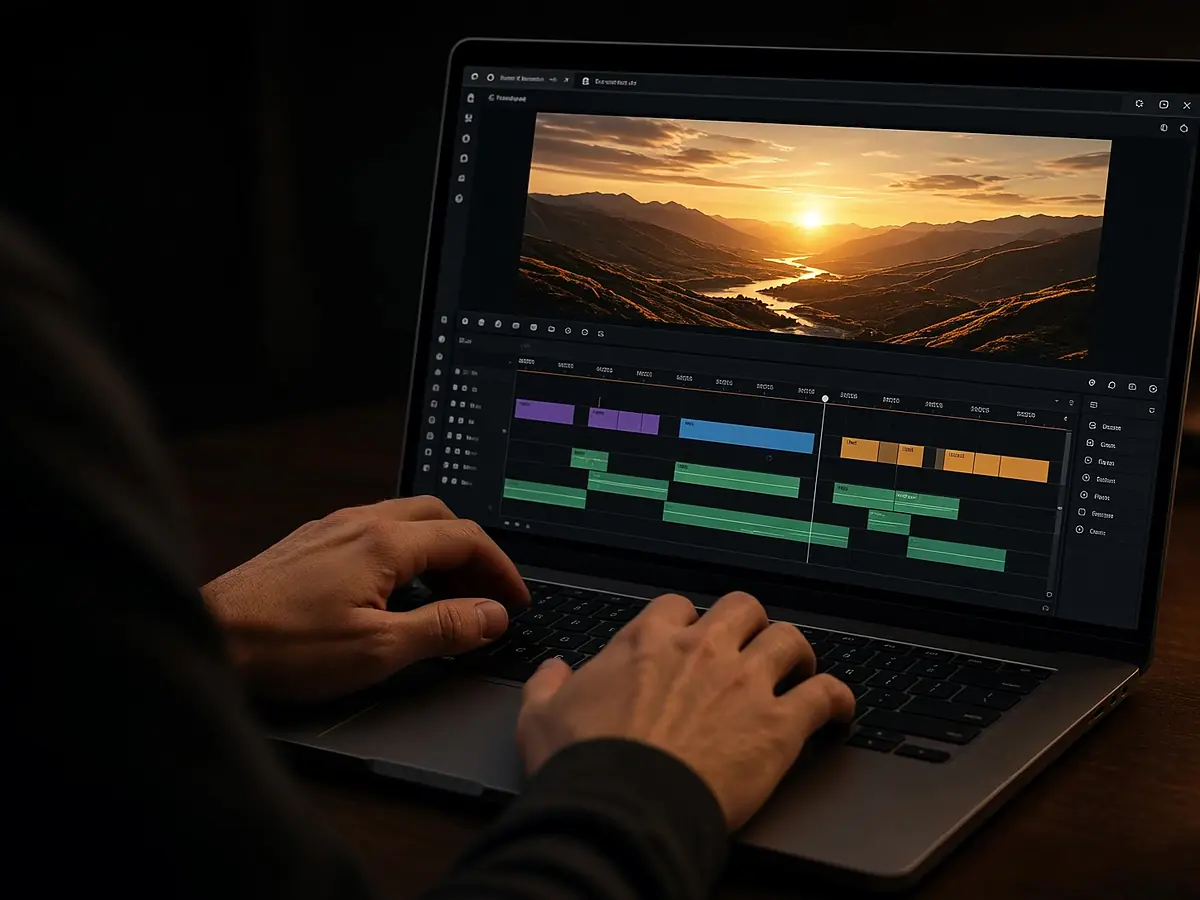
Upload your recording and tell the agent what the video is about. It drafts the cut, captions the speech, and can reframe a vertical Short — you keep a timeline for the final pass.
Timeline editing does not spend credits.
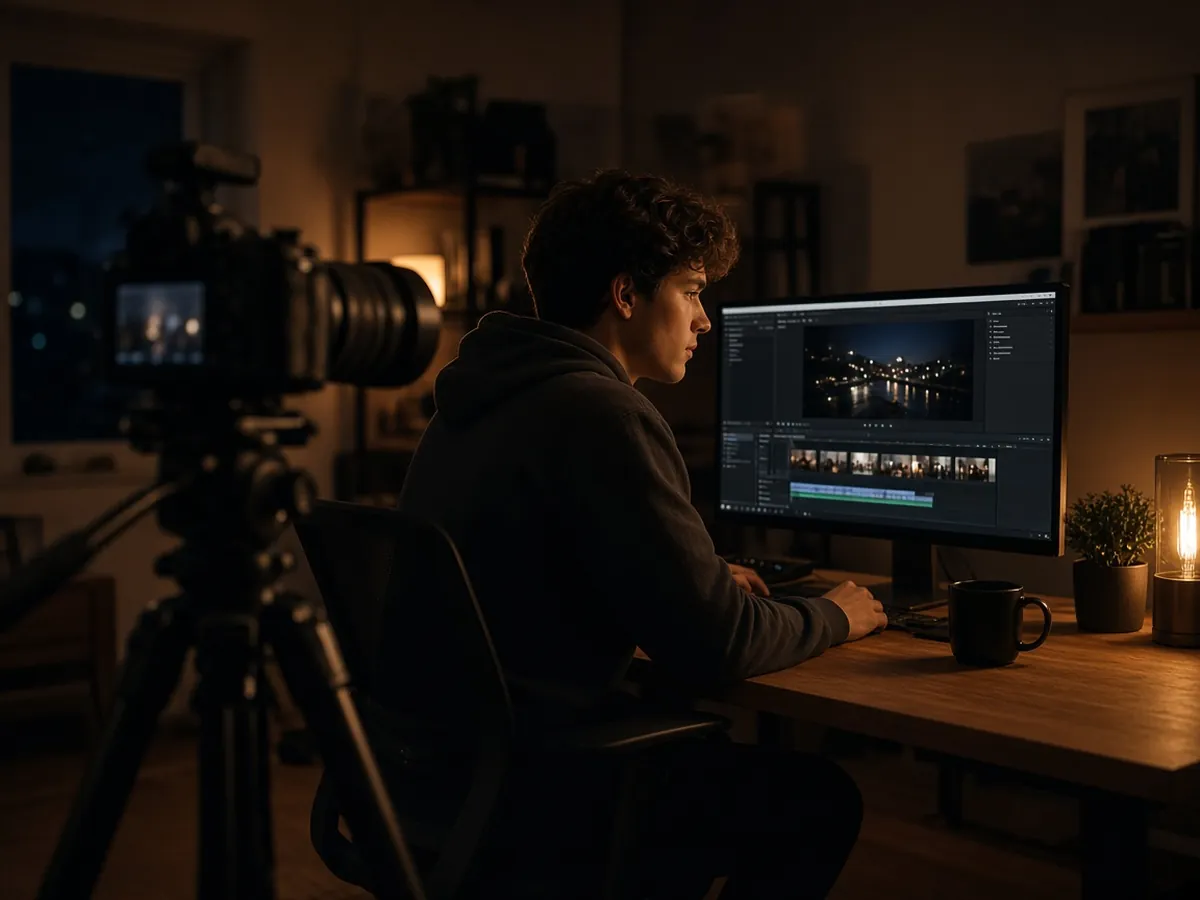
Describe the story; the agent drafts the cut so you start from a structure, not a raw file.
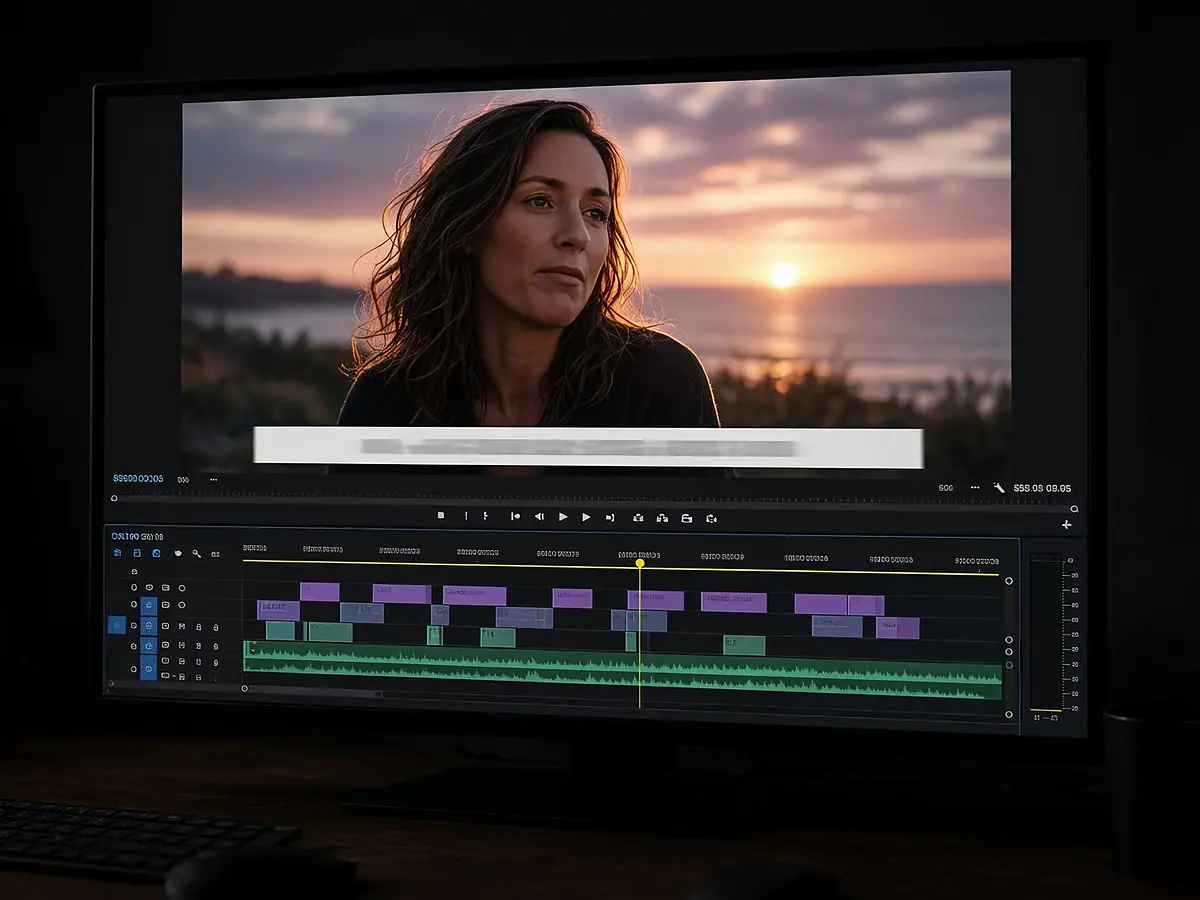
Auto captions follow the speech. Restyle any line on the timeline.

Reframe a highlight to 9:16 without rebuilding the edit.
Talking-head, tutorial, or review.
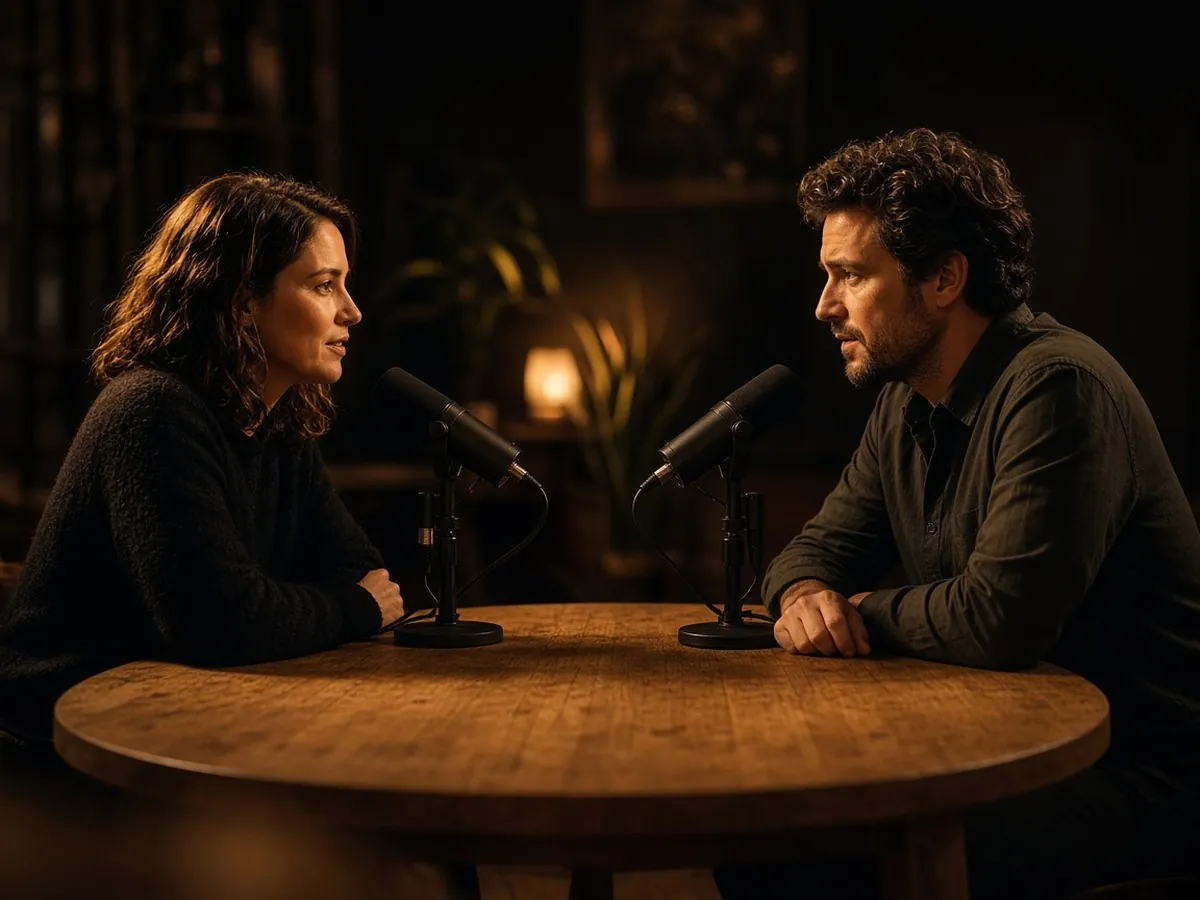
Full episode plus clips from one upload.

Cut to the moments viewers came for.
Fix a line with text-to-speech instead of re-recording.
Drop in the raw take or a rough export.
Length, tone, and what to keep.
Finish on the timeline, then upload to YouTube.
Vertical clips for Shorts, Reels, and TikTok from one prompt
OpenFrame-accurate captions from any audio or video
OpenTurn long episodes into captioned clips and vertical shorts
OpenEdit in the browser with an agent beside the timeline
Open
No. You export the video and upload it to YouTube yourself.
Timeline editing does not spend credits. AI generation steps show the credit cost before they run.
Yes. Ask the agent to reframe a highlight to 9:16 inside the same project.
See AI shorts maker, auto subtitle generator, and podcast video editor.
Describe the edit. Finish it on the timeline.