
01
Prompt first, then polish
Tell the agent the story. It assembles clips, captions, and voice so you start from a draft, not an empty track.
Descript is strong when you edit by deleting words from a transcript. StarCut takes a different path: you describe the video you want, an agent plans the cut with captions and voice, and you keep a full visual timeline in the browser.
Runs in the browser. No install needed.

Tell the agent the story. It assembles clips, captions, and voice so you start from a draft, not an empty track.

Every decision lands on a normal timeline. Move, trim, or replace anything without regenerating the whole video.
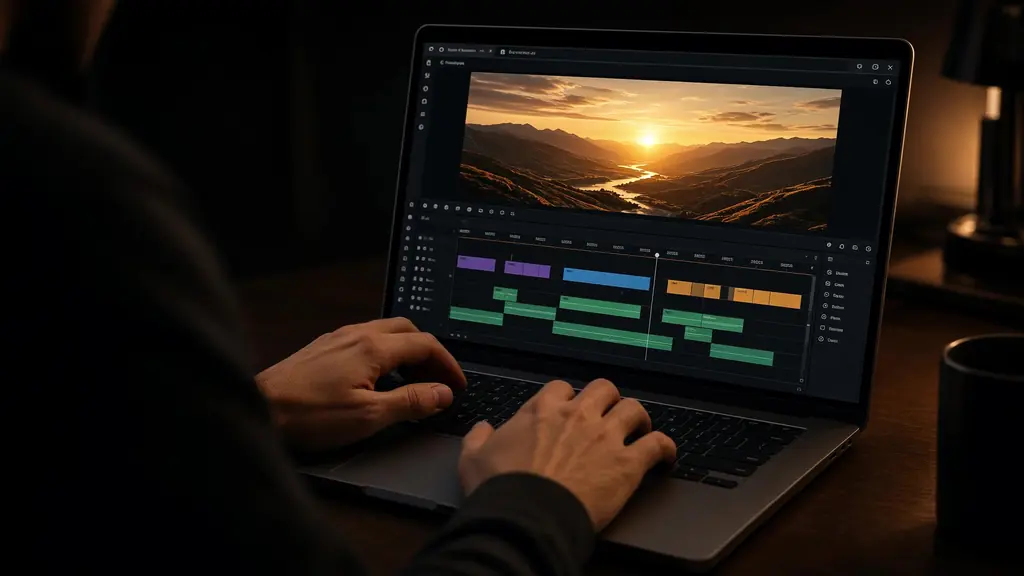
Add motion graphics, B-roll prompts, and multi-model generation in the same project — not only text-based edits.
Teams that outgrew transcript-only workflows.

Turn long recordings into captioned highlight clips.

Script, voice, and on-screen motion in one pass.

Ship product stories without juggling separate caption and voice tools.
Sign in; there is nothing to install.
Say what to keep, cut, caption, or voice.
Adjust any clip, then export.

Turn long episodes into captioned clips and vertical shorts
Open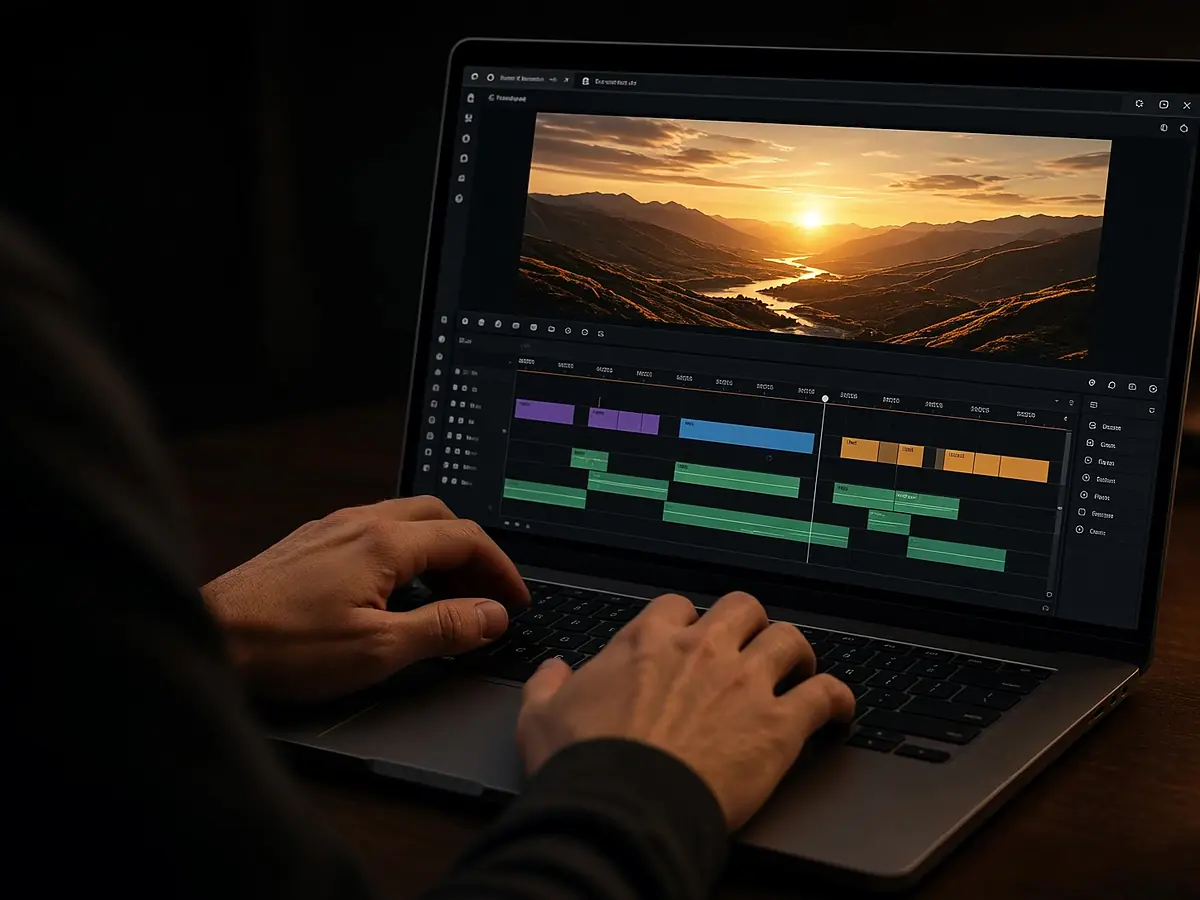
Edit in the browser with an agent beside the timeline
Open
An agent that edits for you, on a timeline you control
Open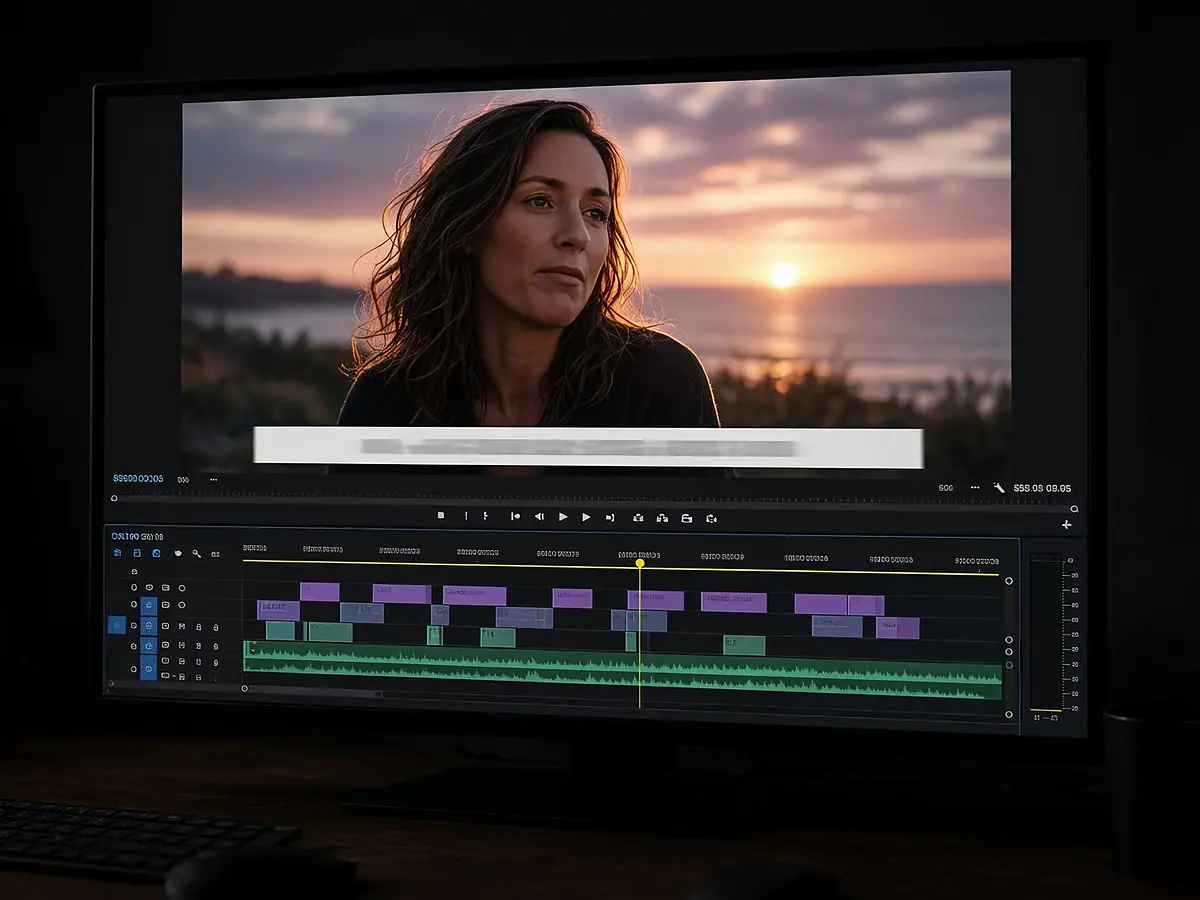
Frame-accurate captions from any audio or video
Open
No. Descript centres on transcript editing. StarCut centres on an AI agent that builds a visual timeline from a prompt, with captions and voice included.
Yes. The agent’s output is a normal timeline project you can trim and restyle.
You can ask for transcript-style cuts, but the source of truth is the timeline, not a text document.
See also our CapCut alternative, AI shorts maker, auto subtitle generator, and text to speech pages.
Describe it. Direct it. Finish it on the timeline.