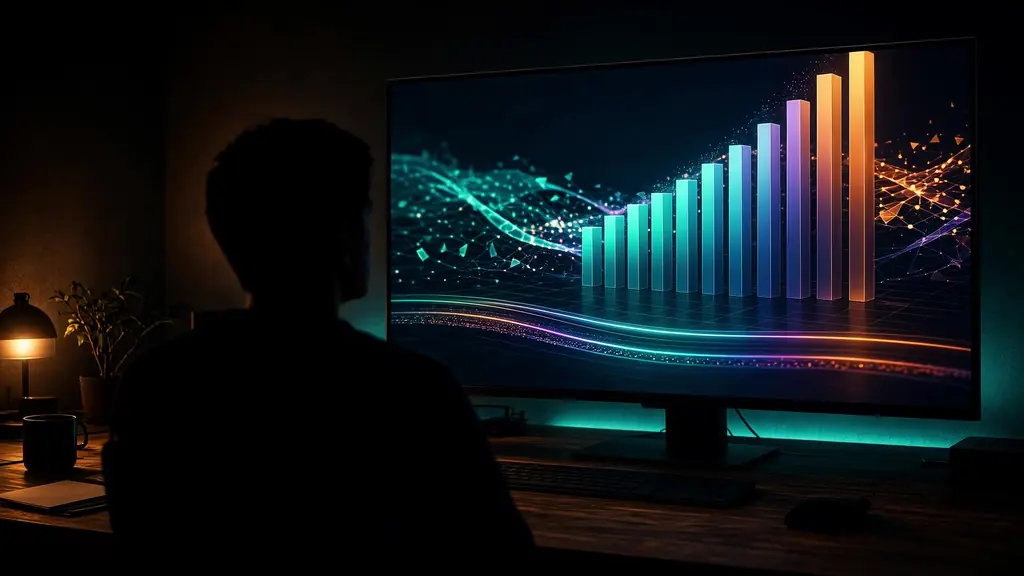
01
Motion that sells the feature
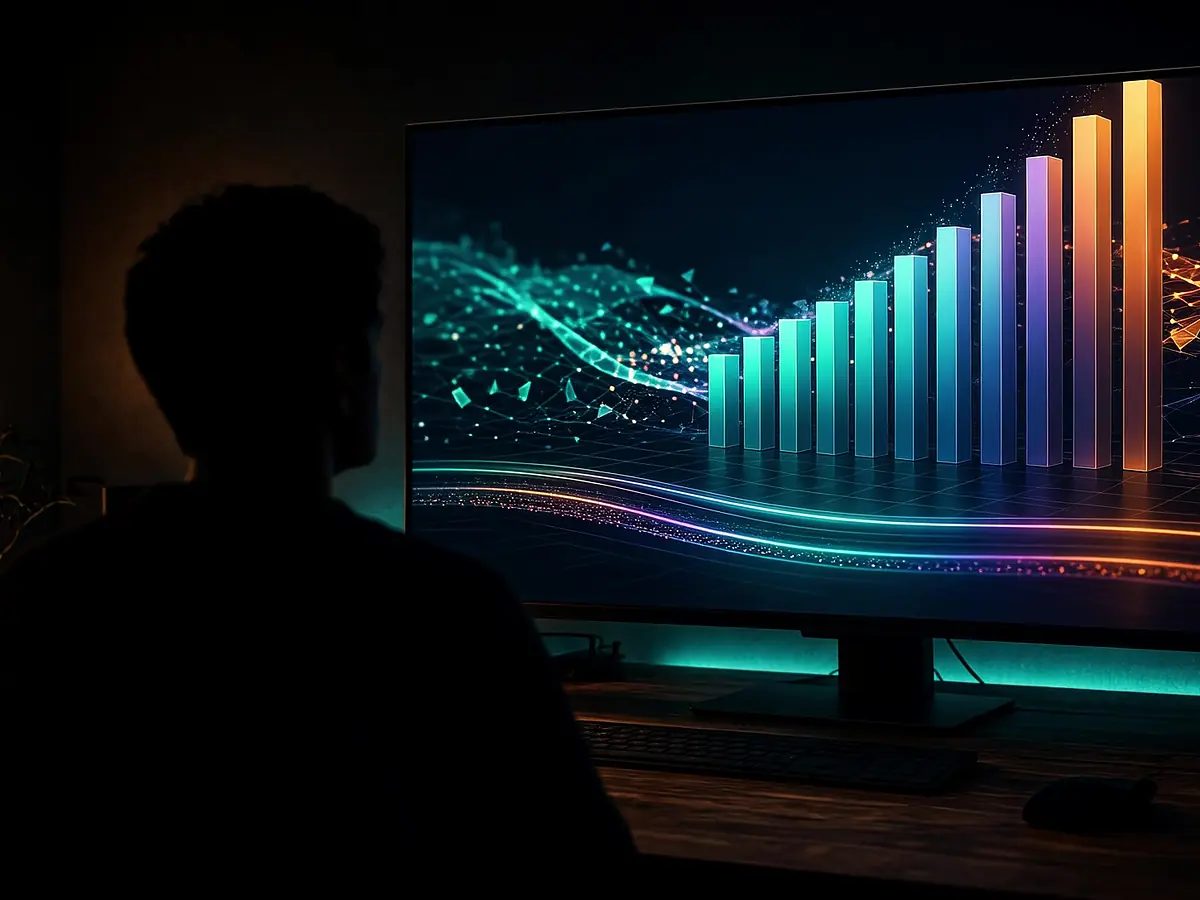
Generate titles and simple motion graphics that match the beat of your voiceover.
Describe the feature, audience, and length. The agent drafts visuals, titles, and voiceover into a project you can restyle before the campaign goes live.
Good for ecommerce PDPs, app launches, and sales decks.

Generate titles and simple motion graphics that match the beat of your voiceover.
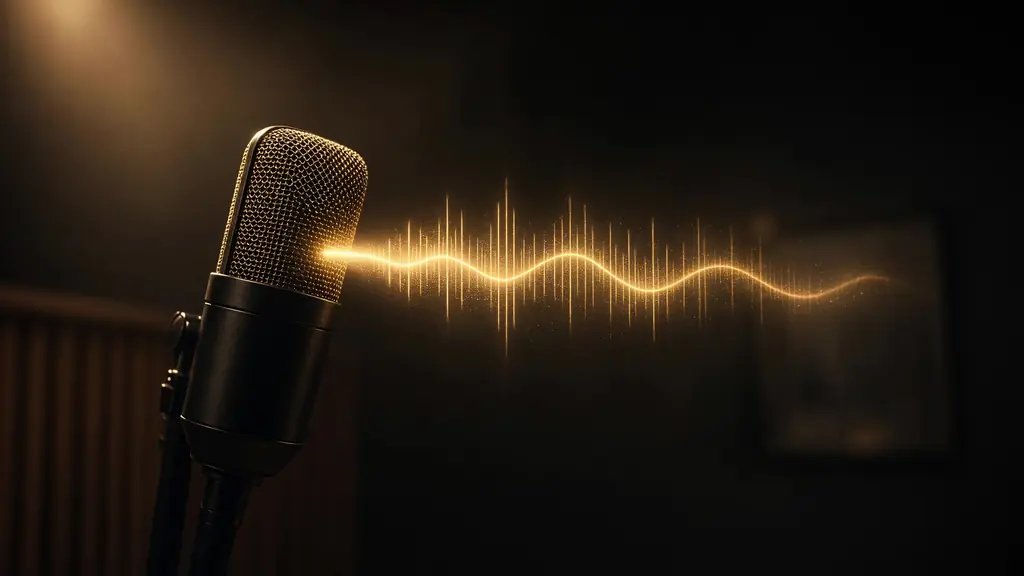
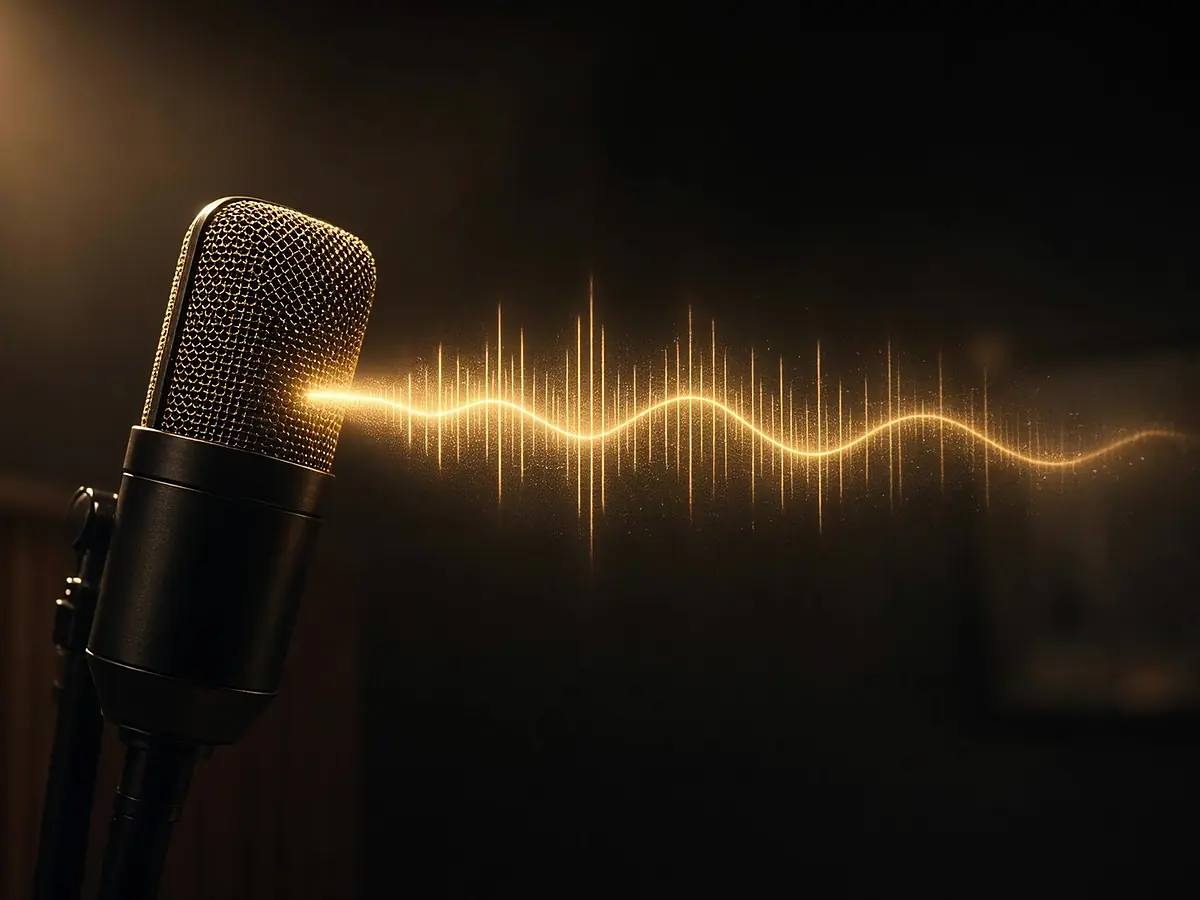
Add a calm or energetic AI voice, then swap lines on the timeline without redoing the edit.

Duplicate the timeline for a 15s ad, a 60s PDP loop, or a vertical story.
One prompt language across channels.
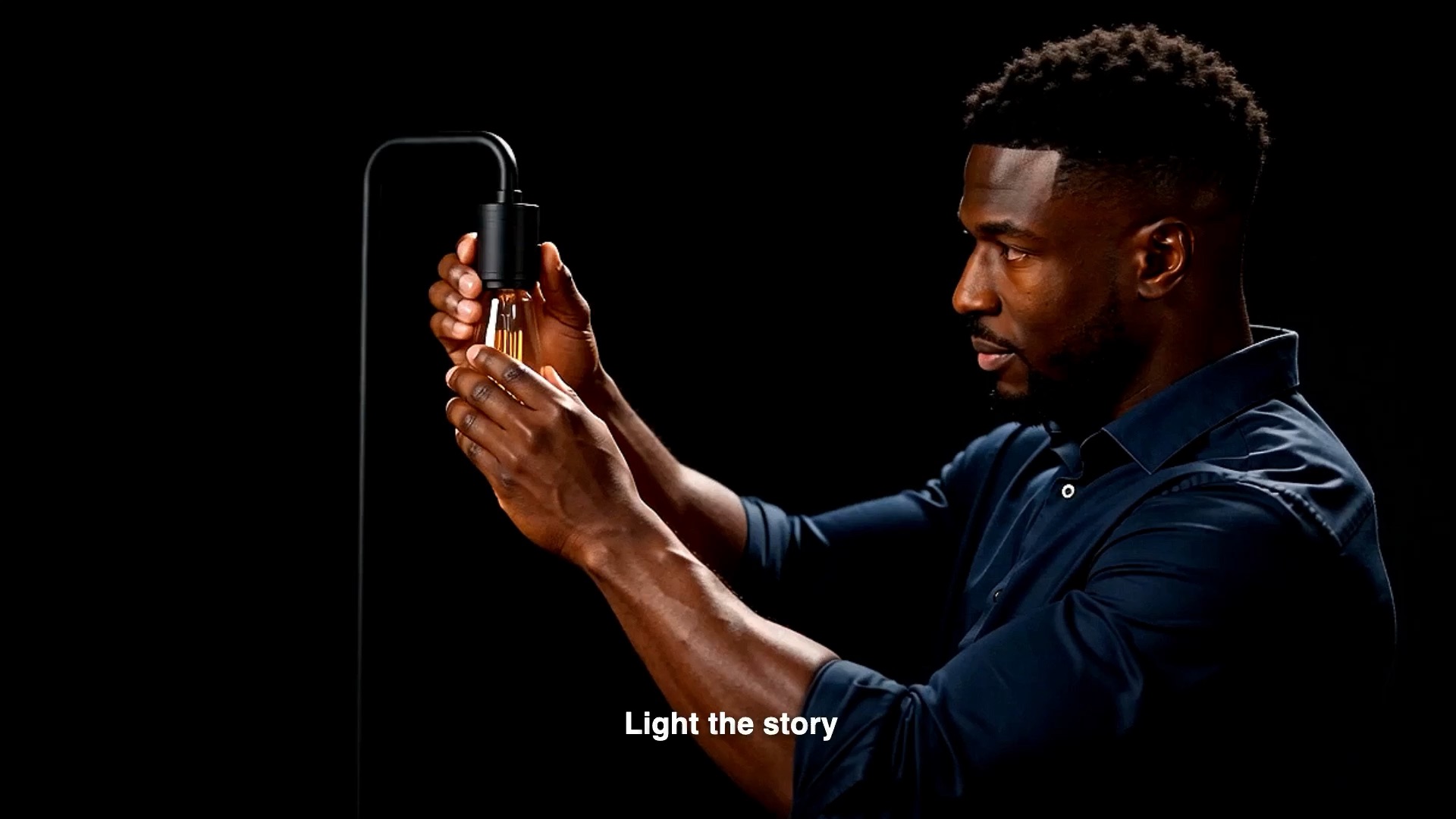
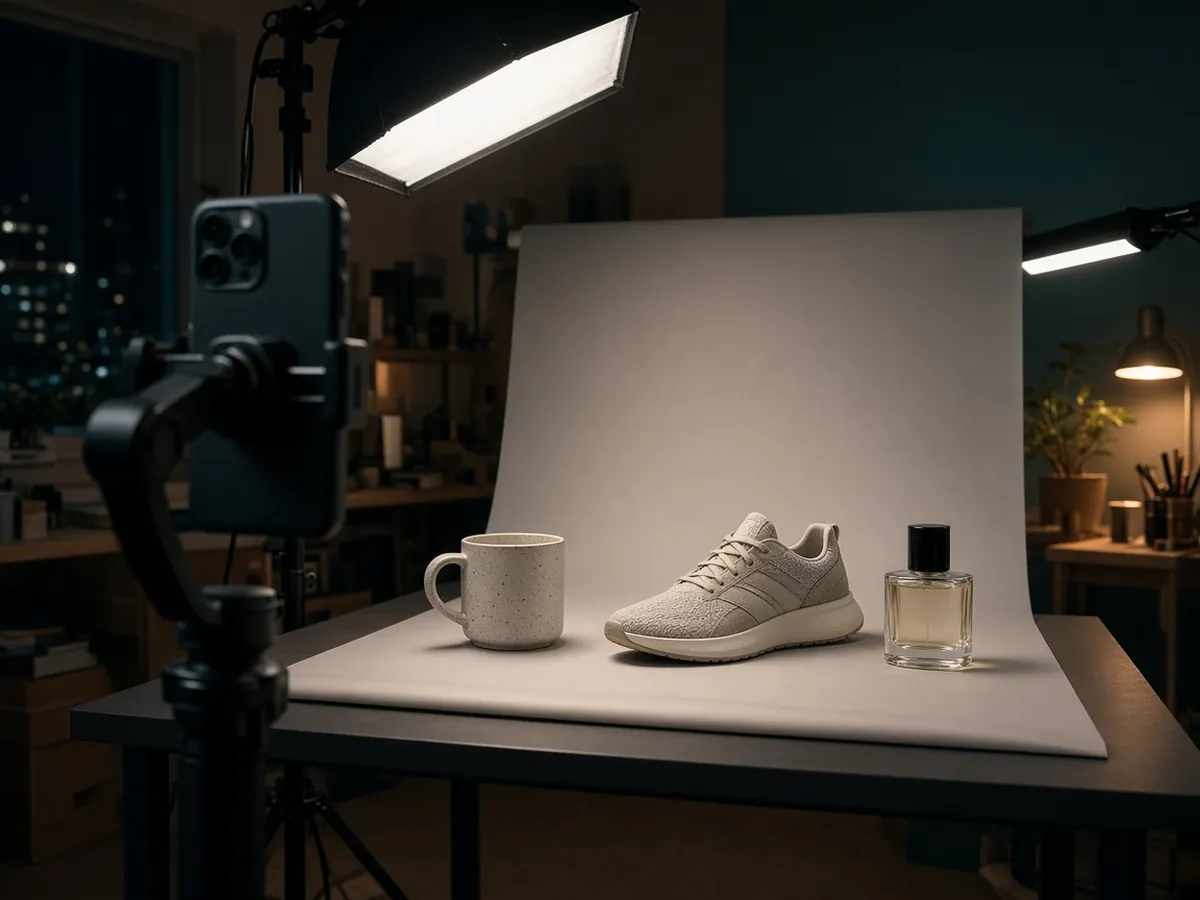
Show the unboxing or hero feature in under a minute.
Explain what changed and why it matters.

Turn a one-pager into a short spoken walkthrough.
Audience, length, and the one thing to remember.
StarCut lays visuals, voice, and titles on the timeline.
Adjust type, timing, and CTA, then export.

Yes. Upload screen recordings or product shoots and ask the agent to assemble them.
Yes. Ask for 9:16 or see the AI shorts maker page for short-form workflows.
AI generation spends credits (shown before each run). Timeline editing is included.
Also see AI motion graphics, text to speech, and CapCut alternative.
Describe the story. Keep control of the timeline.