01
Agent draft, human finish
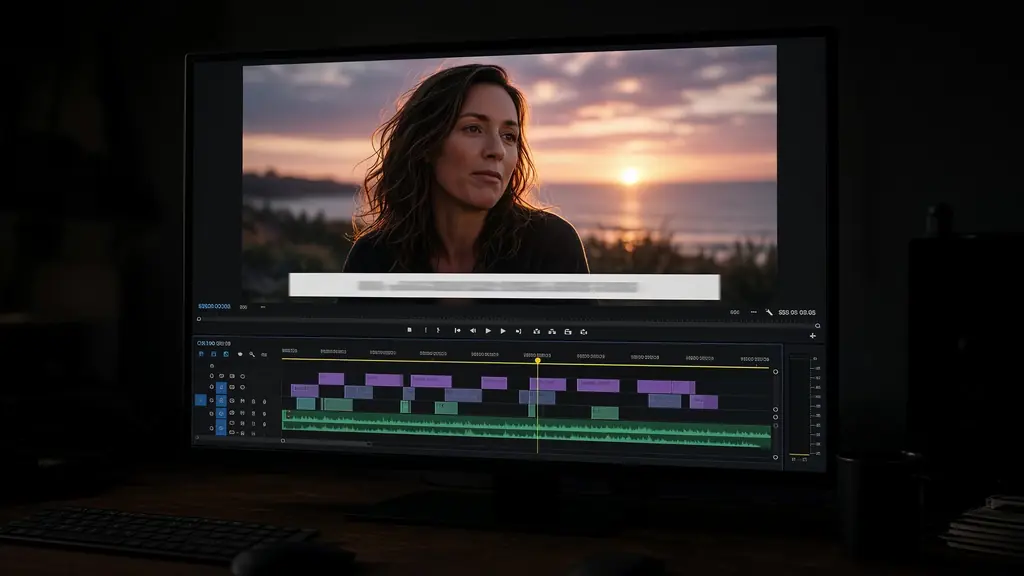
One prompt can plan cuts, captions, and voice. You approve and polish instead of building every track by hand.
VEED and similar browser editors shine for quick subtitle and template work. StarCut is for creators who want an agent to draft the whole edit, then keep full control on a professional timeline in the browser.
No install. Works in a modern desktop browser.

One prompt can plan cuts, captions, and voice. You approve and polish instead of building every track by hand.

Video, speech, and motion can each use a different model, all landing in the same StarCut project.

Generate titles and motion graphics in context, then nudge timing on the same timeline.
Stay in the browser without giving up depth.

Vertical cuts with captions ready for Shorts and Reels.

Share a project link and keep every artifact version.

Ship explainers without desktop software.
Go to StarCut and sign in.
Prompt the agent, or drop in footage first.
Refine the timeline, then download or share.
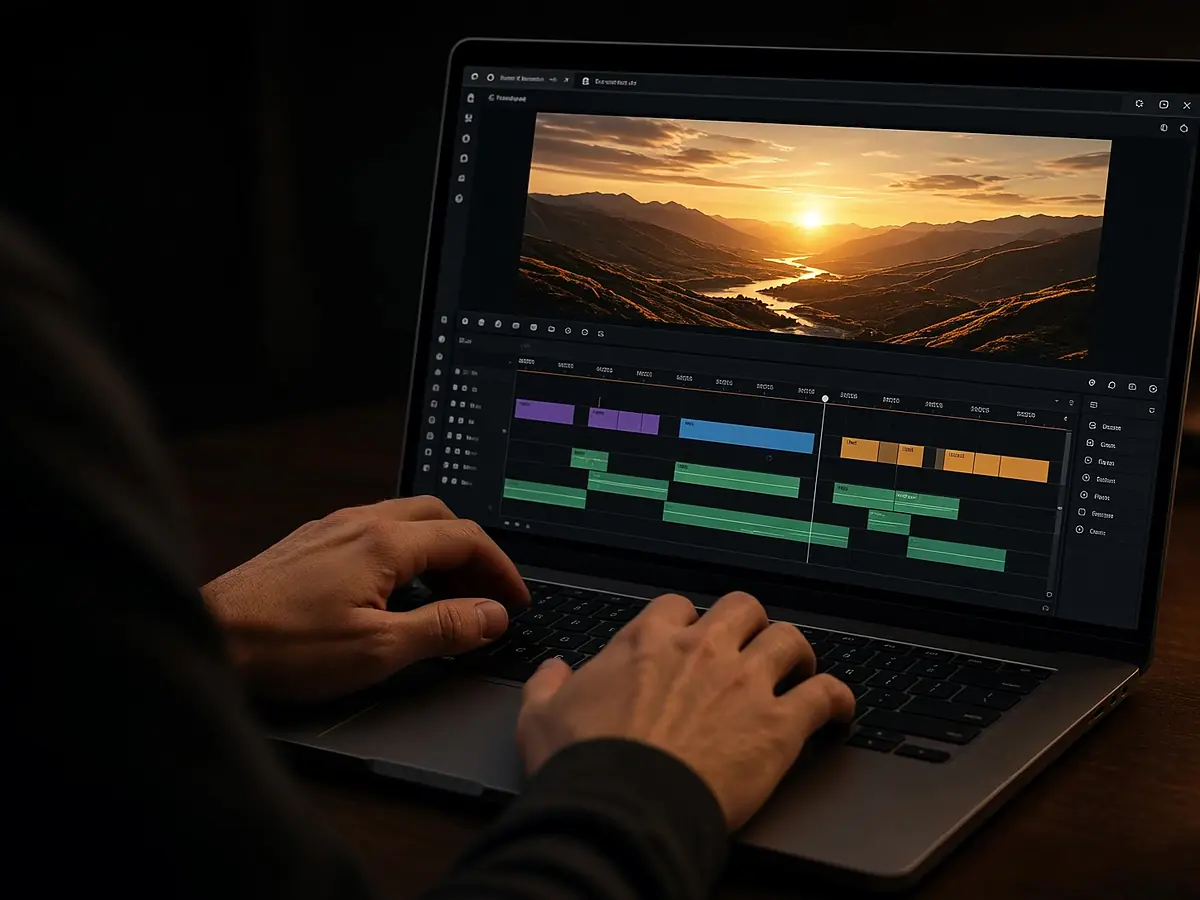
Edit in the browser with an agent beside the timeline
Open
An agent that edits for you, on a timeline you control
Open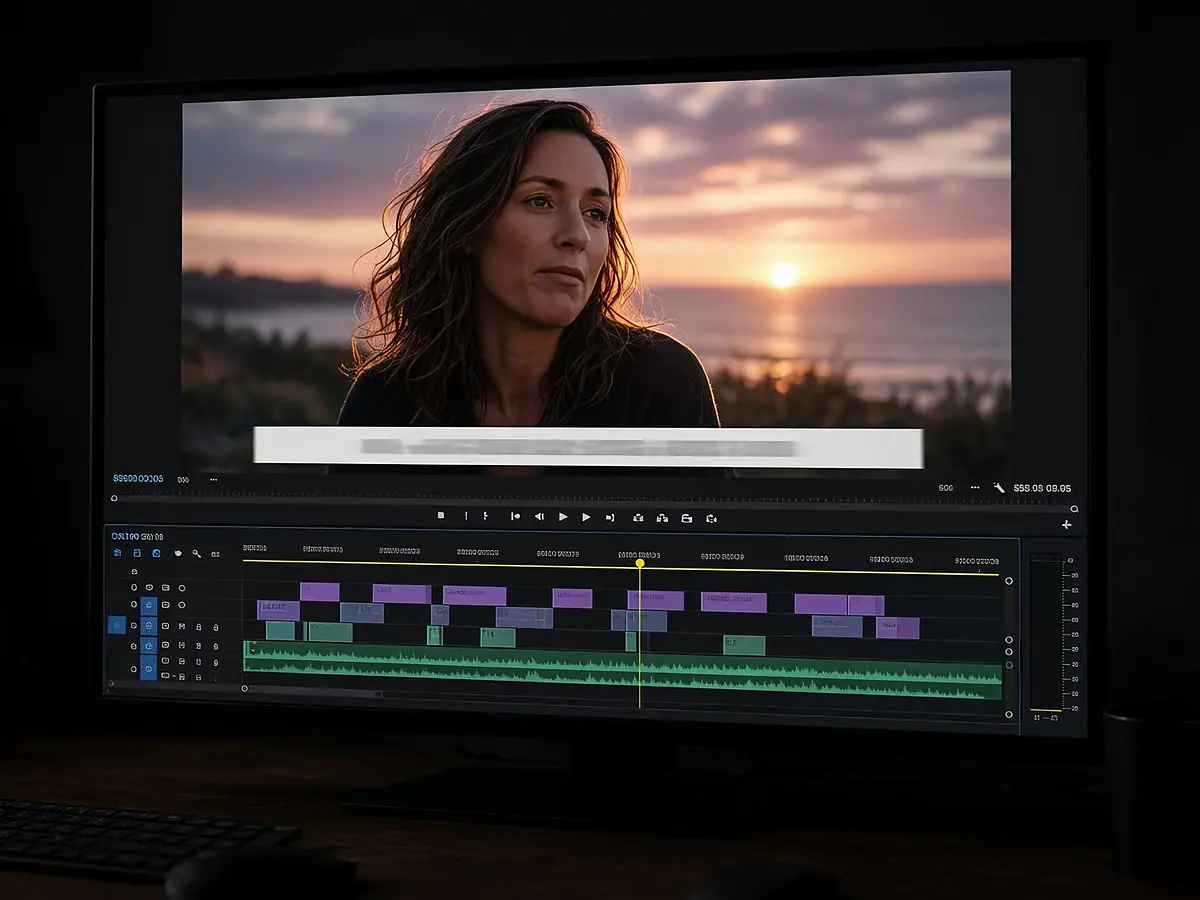
Frame-accurate captions from any audio or video
Open
Vertical clips for Shorts, Reels, and TikTok from one prompt
OpenYes. New accounts get welcome credits so you can try generation tools before buying a pack.
No. Subtitles are one tool. StarCut also covers AI video editing, text to speech, motion graphics, and shorts.
No. StarCut runs in the browser like VEED, with a deeper agent + timeline workflow.
Also see CapCut alternative, Descript alternative, and AI shorts maker.
Describe the cut. Keep the timeline.