01
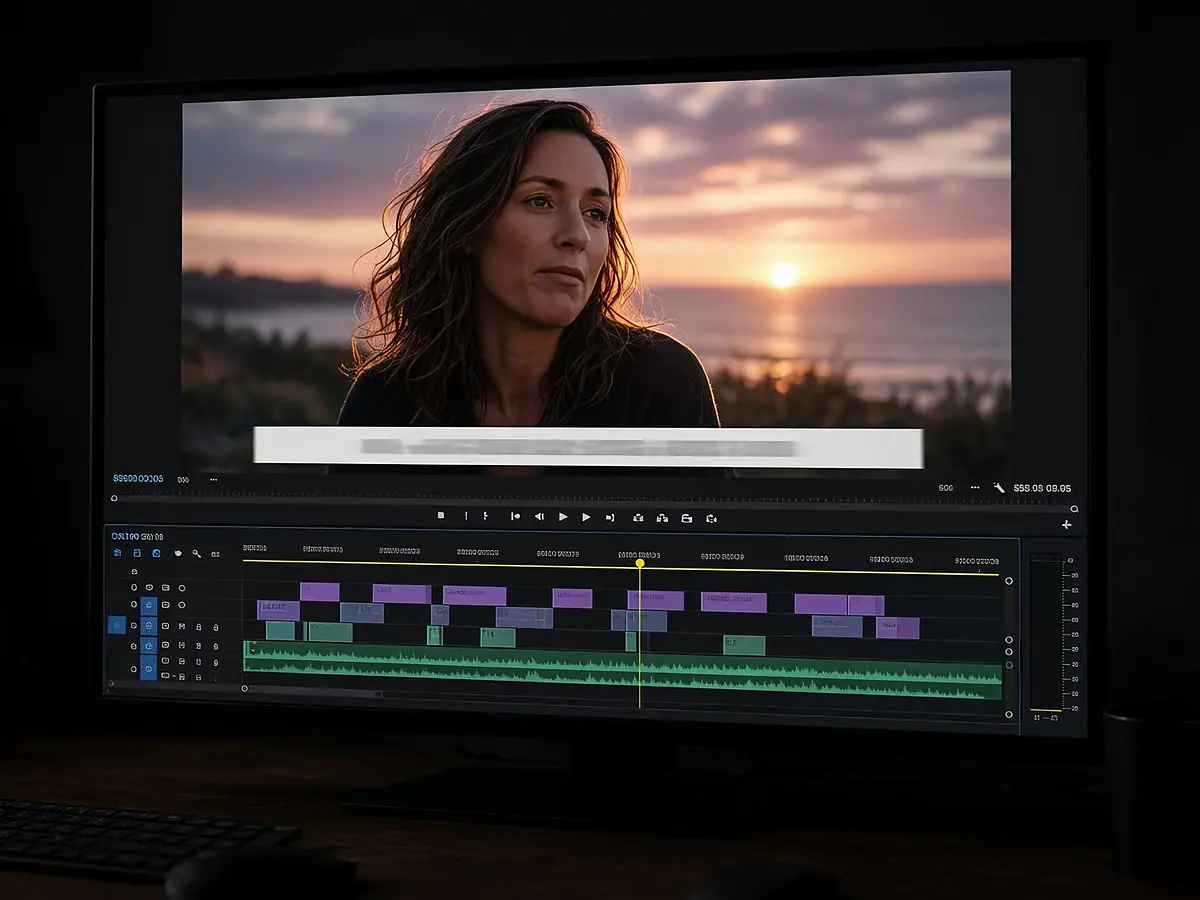
Captions students can follow
Auto captions help in noisy rooms and for non-native speakers. Fix any term on the timeline.
Upload a lecture or a quick lesson recording and describe what students need. The agent trims dead air, captions the speech, and adds titles for each section — then you check every word on the timeline.
Timeline editing does not spend credits.
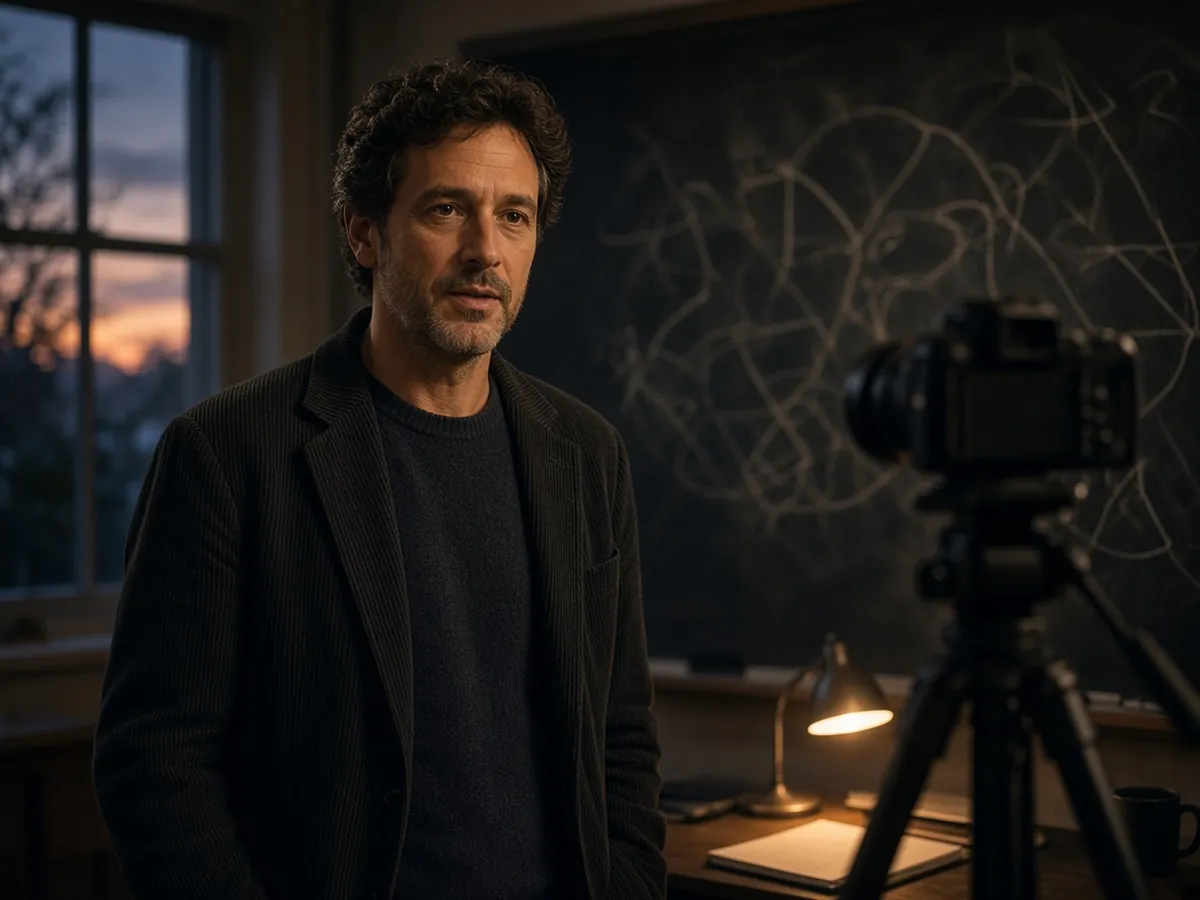
Auto captions help in noisy rooms and for non-native speakers. Fix any term on the timeline.
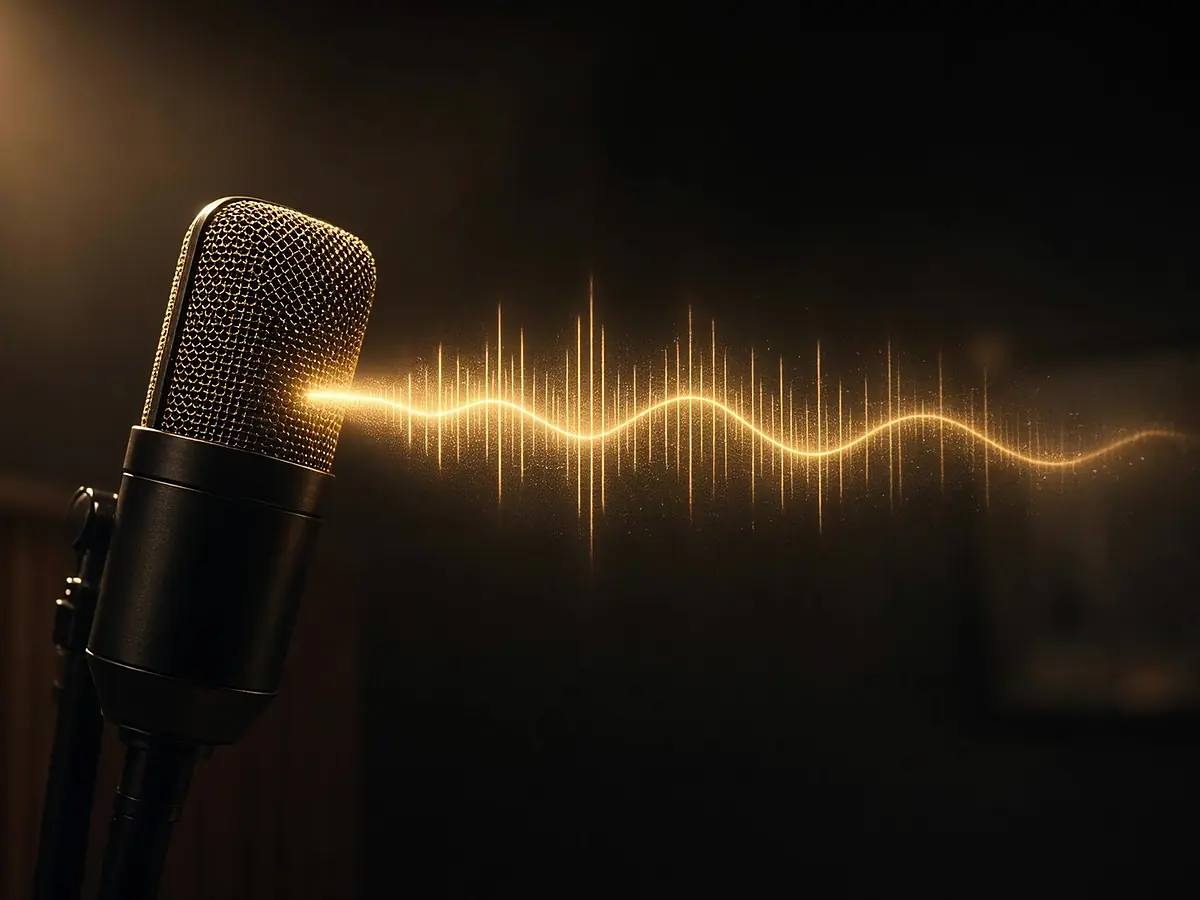
Misspoke a formula? Replace the sentence with a text-to-speech pickup.
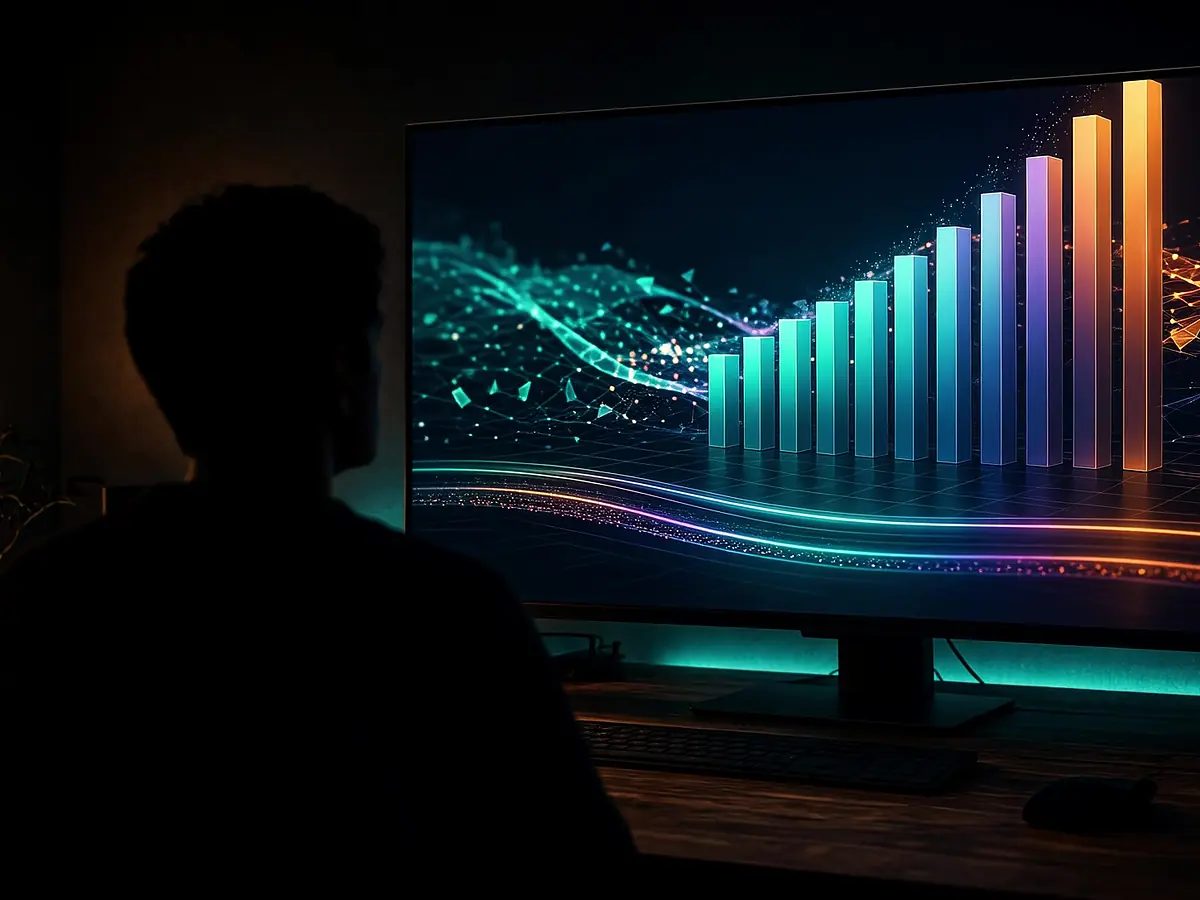
Ask for chapter cards and lower thirds so long lessons stay easy to scan.
From one-off explainers to full courses.
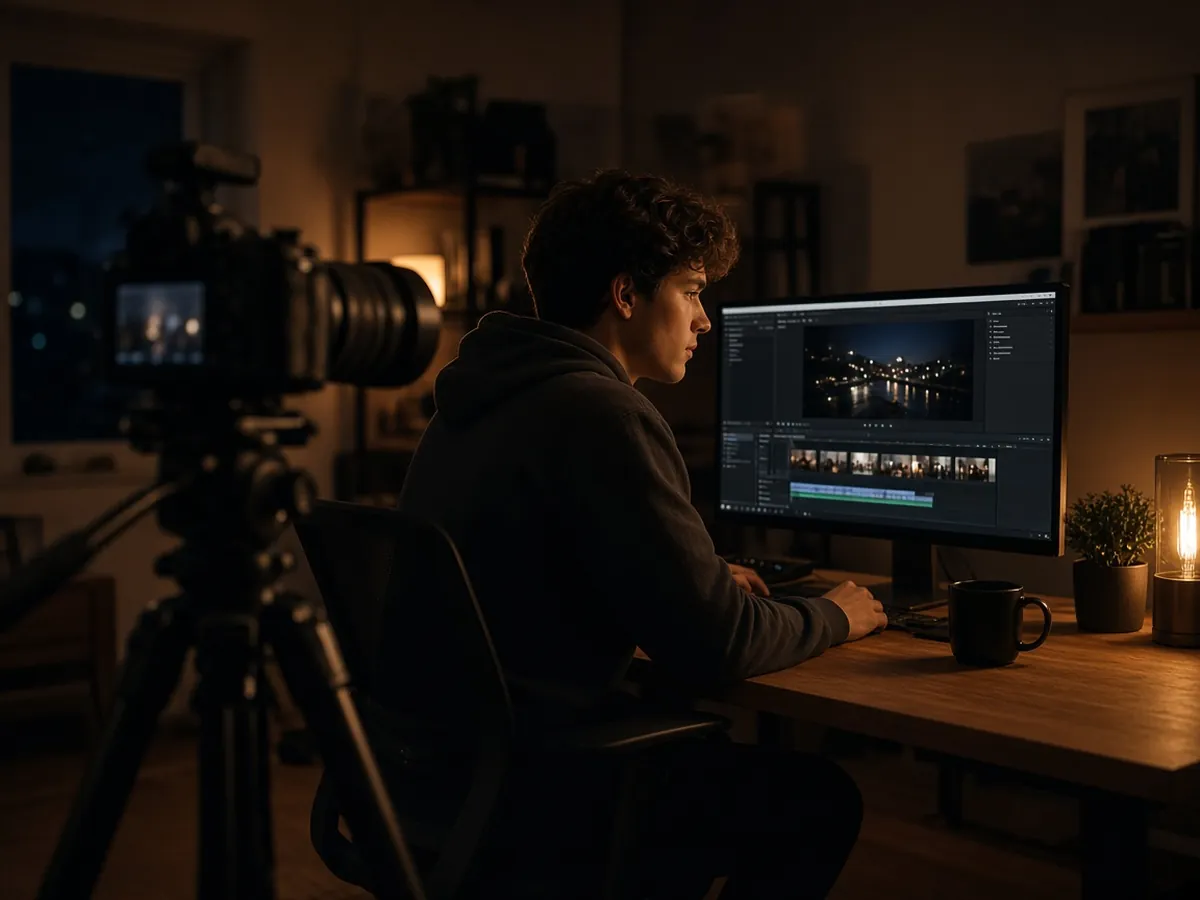
Trim, caption, and chapter a long class.

Cut one concept into a 60-second vertical clip.

Generate a visual for a scene you cannot film.
Screen capture, classroom camera, or phone.
Length, audience, and sections.
Review captions on the timeline, then share.
Yes. Every caption line is editable on the timeline.
Timeline editing does not spend credits. AI generation steps show the credit cost before they run.
No. You export the video and publish it on your own course platform or channel.
See auto subtitle generator, text to speech, and AI motion graphics.
Describe what students need. Finish on the timeline.