01
Titles and callouts from a sentence
Write the words and the feel you want. StarCut animates chapter titles and highlight callouts and places them where the cut needs them.
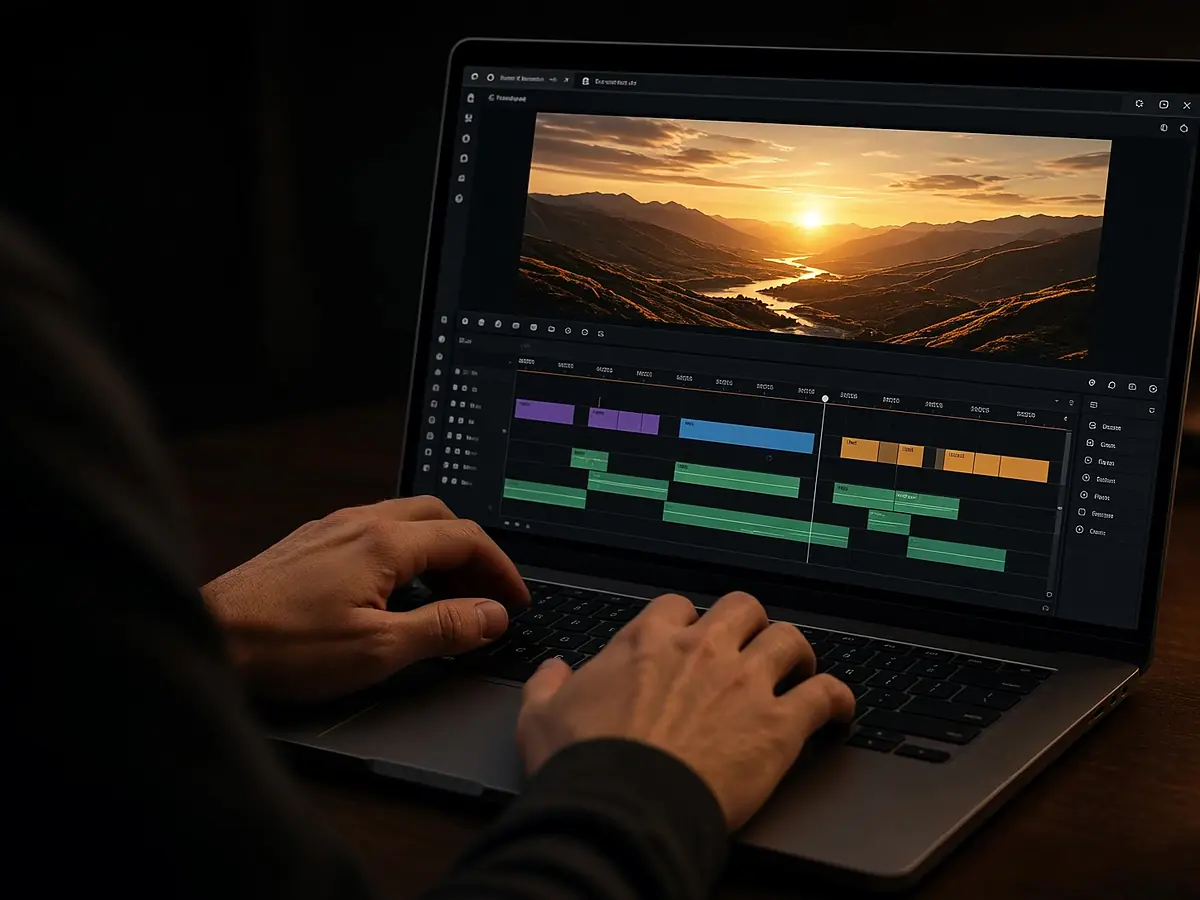
Describe the graphic and StarCut animates it: chapter titles, highlight callouts, data charts, subscribe prompts, and end cards. Each one lands on the graphics track as its own clip, not a baked-in overlay.
Motion graphics are added to the graphics track of your project.
Write the words and the feel you want. StarCut animates chapter titles and highlight callouts and places them where the cut needs them.
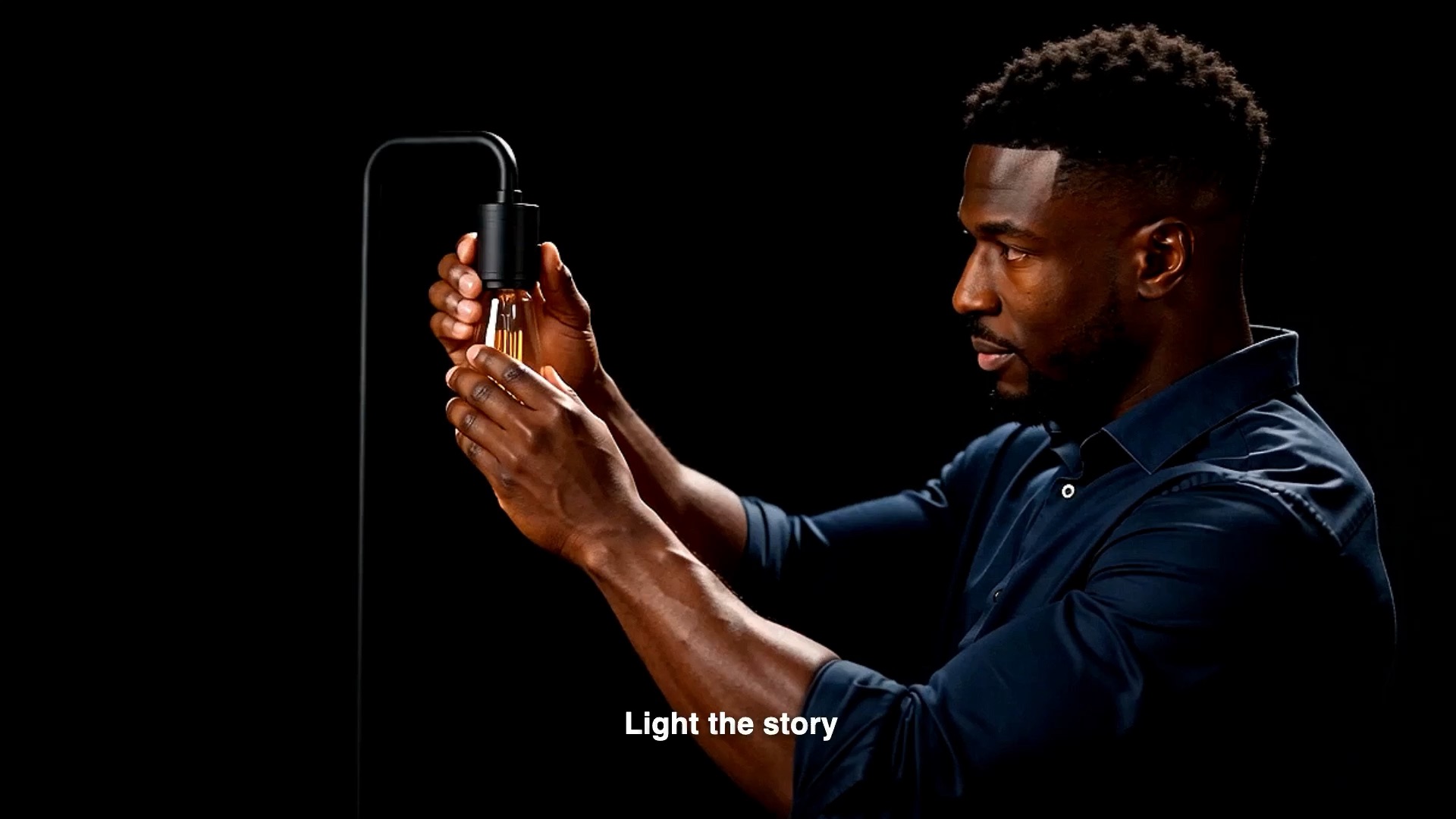
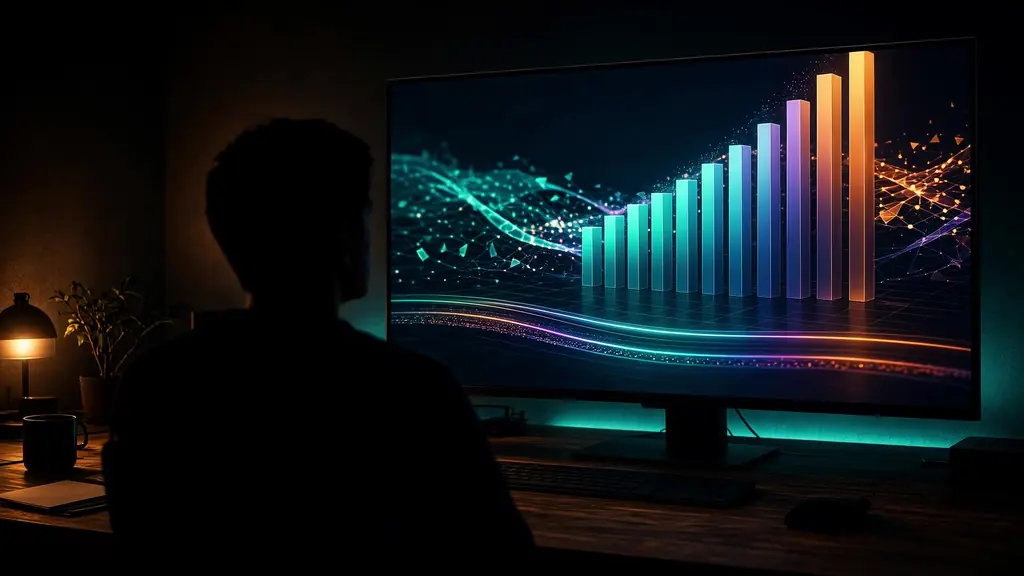
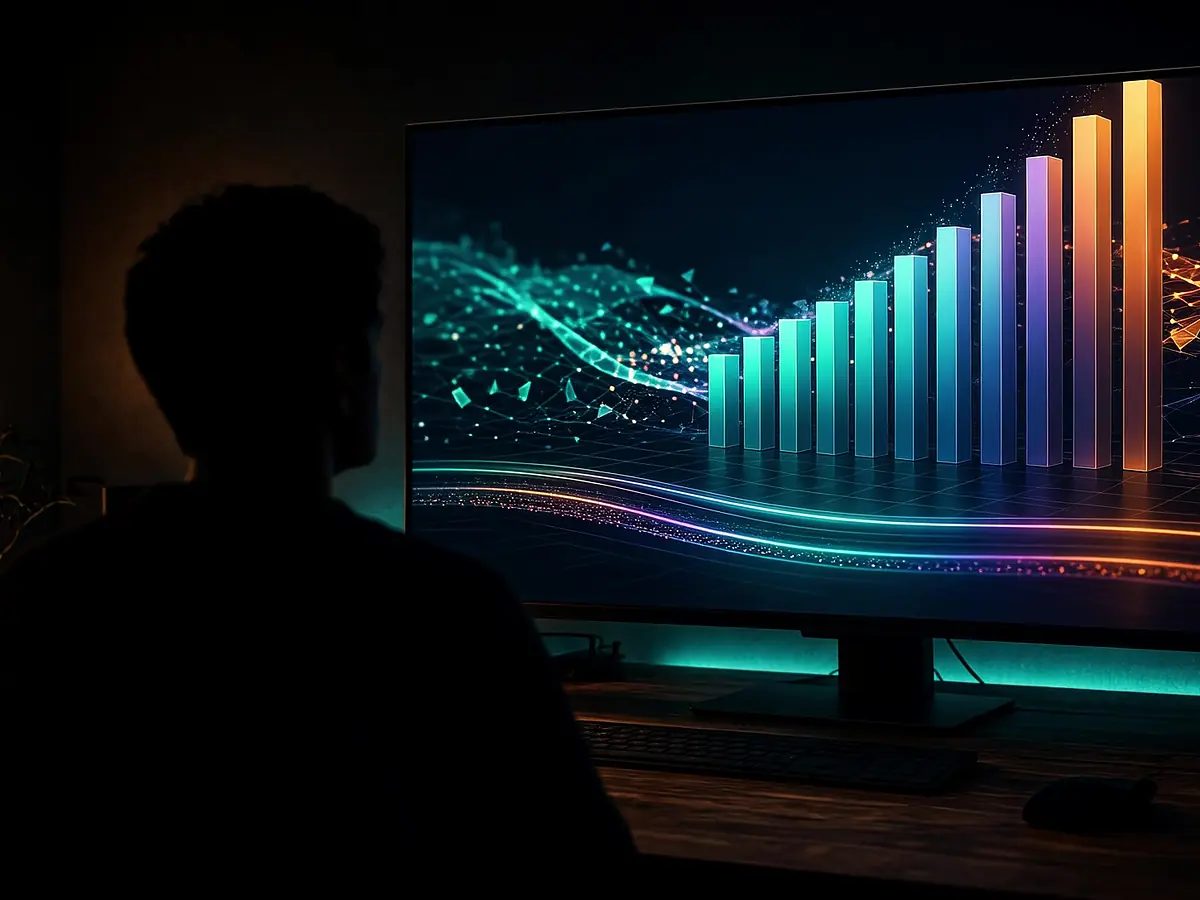
Turn a number or a comparison into an animated chart card for explainers and reports.

Generate stickers, subscribe prompts, and end cards, then move or trim them like any other clip.
Openers, explainers, and endings all get graphics without a separate animation tool.

Mark each section of a long video with an animated title.

Show the key number on screen while the presenter talks.

Close with a subscribe prompt or a call to action.
Say what it should read and how it should move.
StarCut animates the graphic and previews it on your footage.
Move, trim, or regenerate it on the graphics track.

Chapter titles, highlight callouts, data charts, stickers, subscribe prompts, and end cards are the common ones.
Generated graphics are clips on the timeline, so you can move and trim them, or ask the agent for a new version with different words.
No. Graphics are generated and placed inside the same browser editor as the rest of your video.
Yes. Upload your video and add graphics on the track above it.
Describe the graphic and drop it on the timeline.