
01
Prompt first, not template first
Instead of picking a template and filling it in, describe the result. The agent plans and makes the edit.
CapCut is a popular editor packed with templates and effects. StarCut takes a different approach: you describe the video, an agent assembles the cut with captions, voice, and motion, and you refine it on an editable timeline in your browser.
Runs in the browser. No install needed.
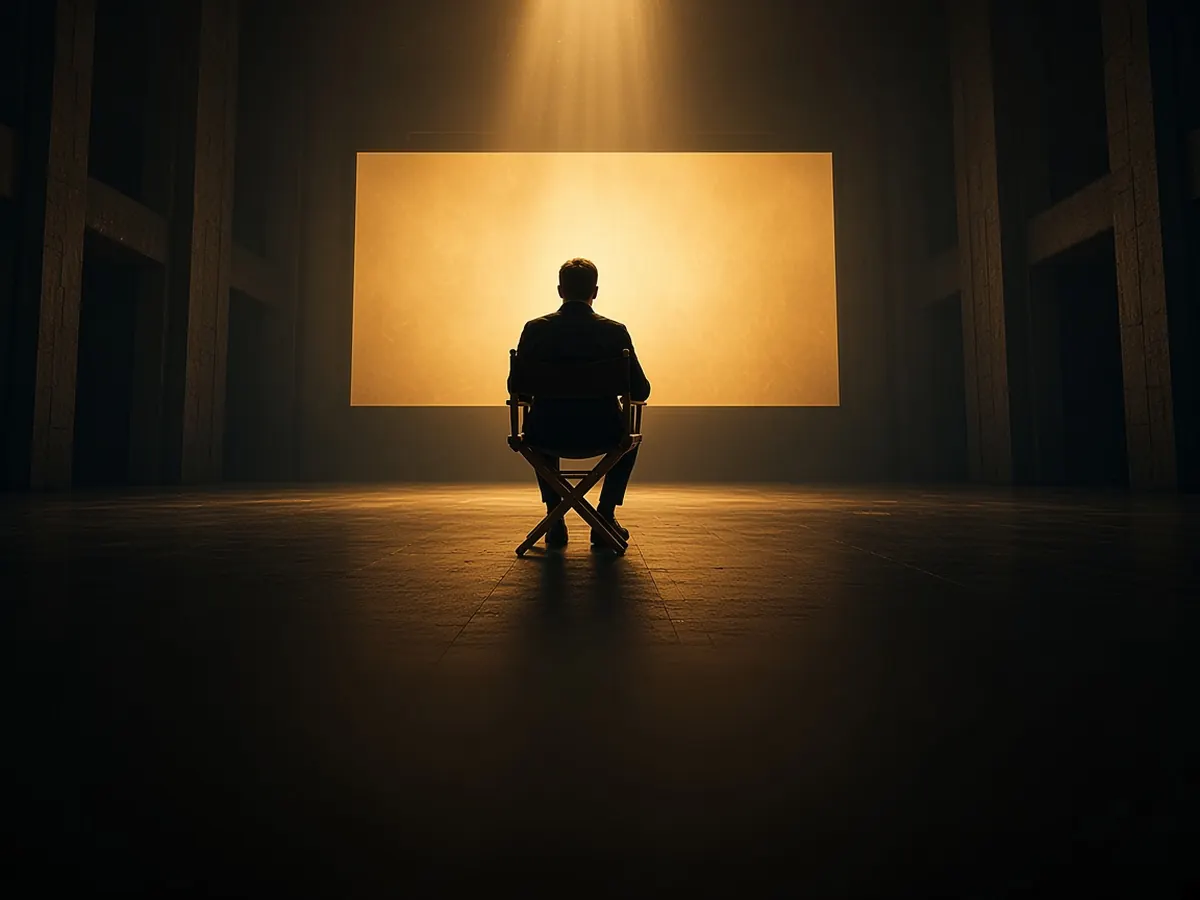
Instead of picking a template and filling it in, describe the result. The agent plans and makes the edit.

Video, voice, captions, and motion graphics come from different AI models, all landing in the same project.

The agent’s work is a normal timeline, so you can override any decision by hand.
StarCut fits people who would rather direct than drag clips.

Hand off the rough cut and keep the final pass.
Turn long recordings into captioned clips.

Ship product videos without learning an editor.
Sign in; there is nothing to install.
Tell the agent what you want in plain words.
Adjust the timeline and export your video.
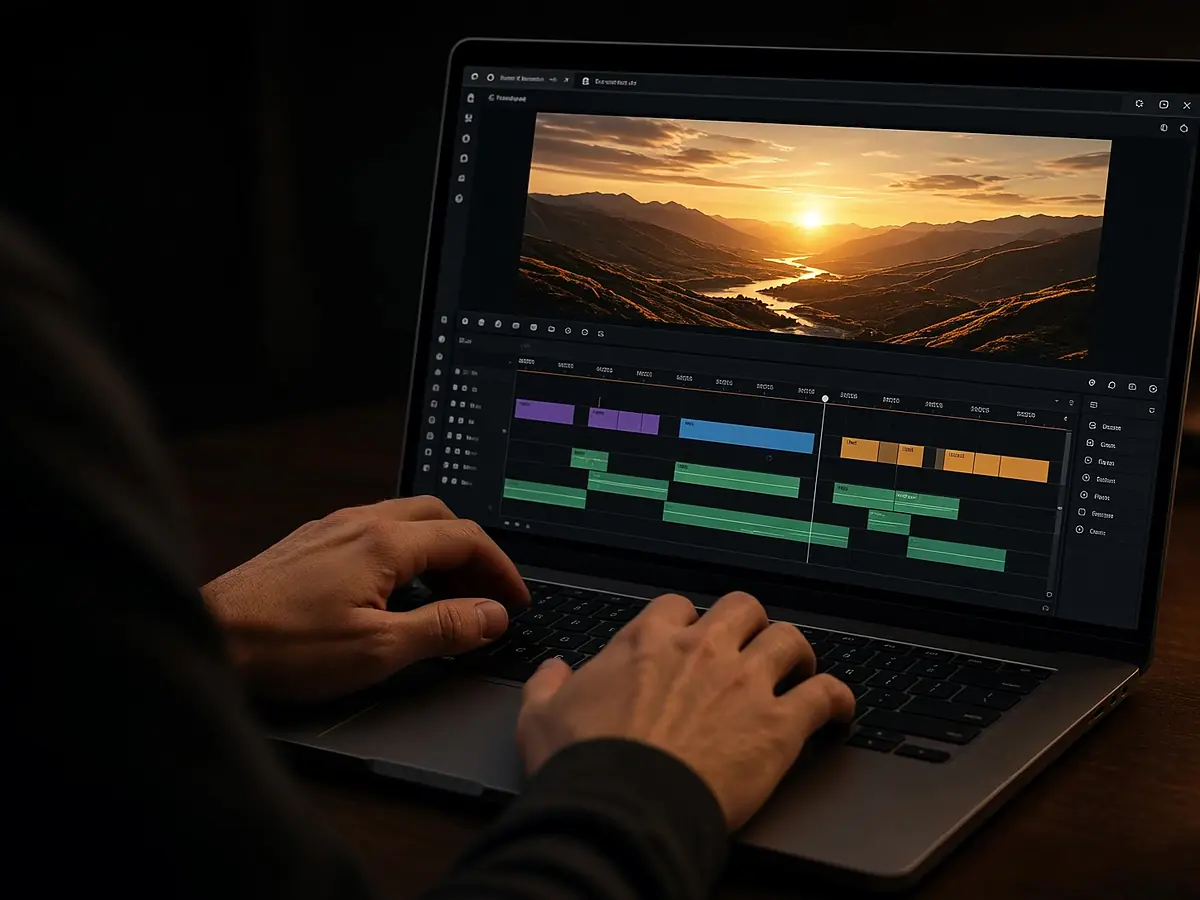
Edit in the browser with an agent beside the timeline
Open
Prompt-first editing with a real timeline, not only a transcript
Open
An agent that edits for you — still a browser timeline
Open
Vertical clips for Shorts, Reels, and TikTok from one prompt
OpenNo. CapCut centres on templates and manual editing. StarCut centres on an AI agent that edits from a prompt, with a timeline for your final touches.
Yes. Every clip the agent places can be moved, trimmed, or replaced on the timeline.
No. StarCut runs in a modern desktop browser.
Not directly. Export your media from CapCut and upload it to StarCut.
Describe it. Direct it. Finish it on the timeline.