
01
Reframed for 9:16
Ask for a vertical version and the agent sets up a 9:16 project around your subject.
Tell the StarCut agent what the short should say. It reframes your footage to 9:16, cuts it to length, and adds captions and narration. Everything stays on an editable timeline, so the last word is yours.
Your short opens as an editable 9:16 project.

Ask for a vertical version and the agent sets up a 9:16 project around your subject.
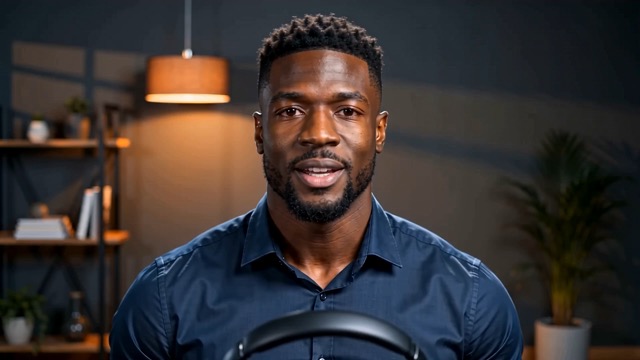
Short-form viewers often watch muted. Add captions that follow the speech and restyle them on the timeline.
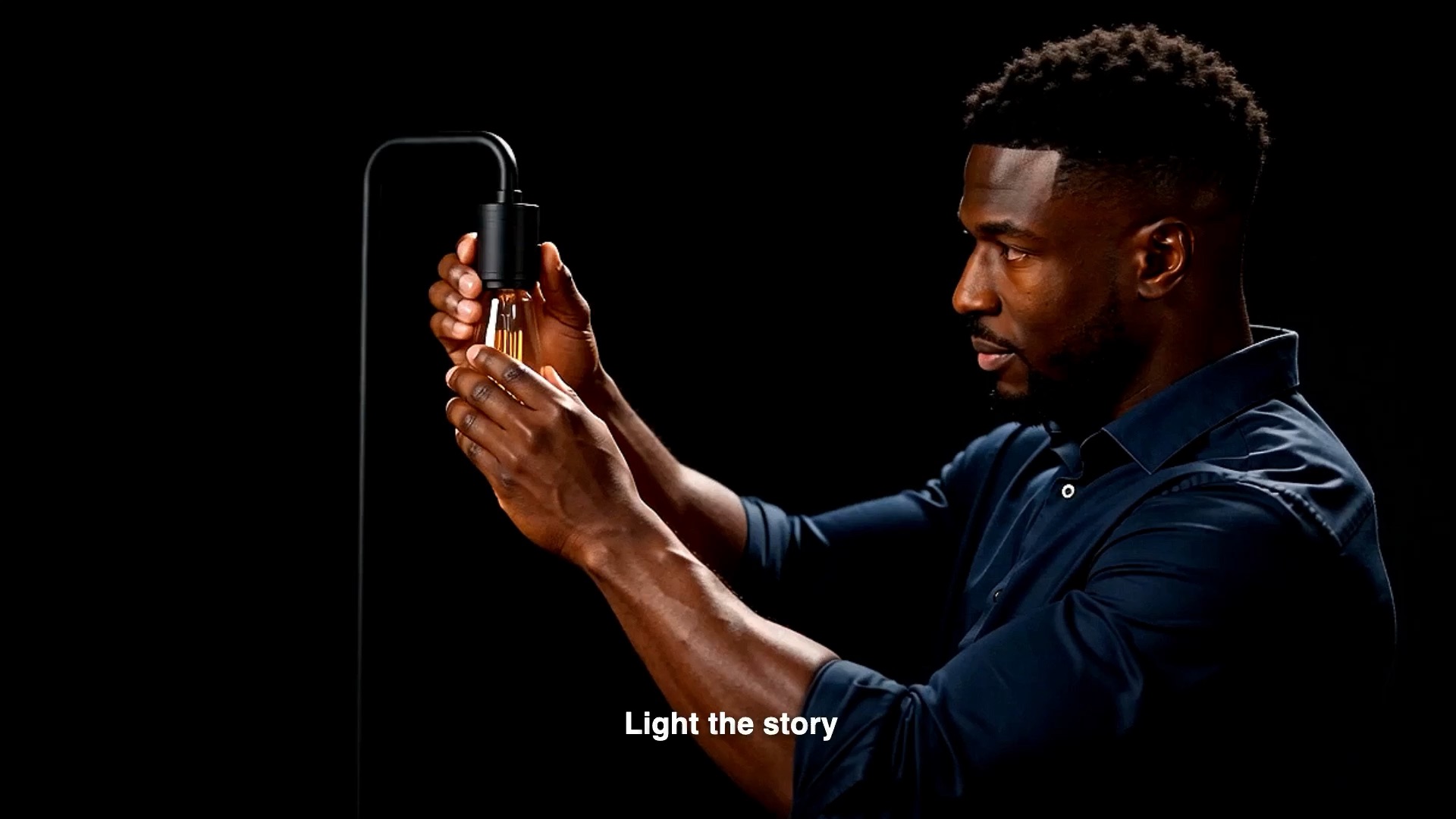
Every clip, caption, and audio track stays editable, so a small fix is a small edit, not a new render from scratch.
One project, sized for the feeds you post to.

Cut the best moment of a long recording into a short.

Show one feature in under a minute.
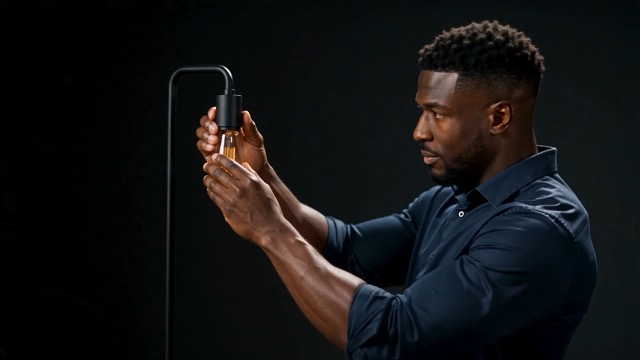
Turn a quick tip into a captioned vertical clip.
Bring your footage, or describe the short you need.
StarCut reframes, trims, and captions a vertical draft.
Adjust the timeline, then export for your channel.
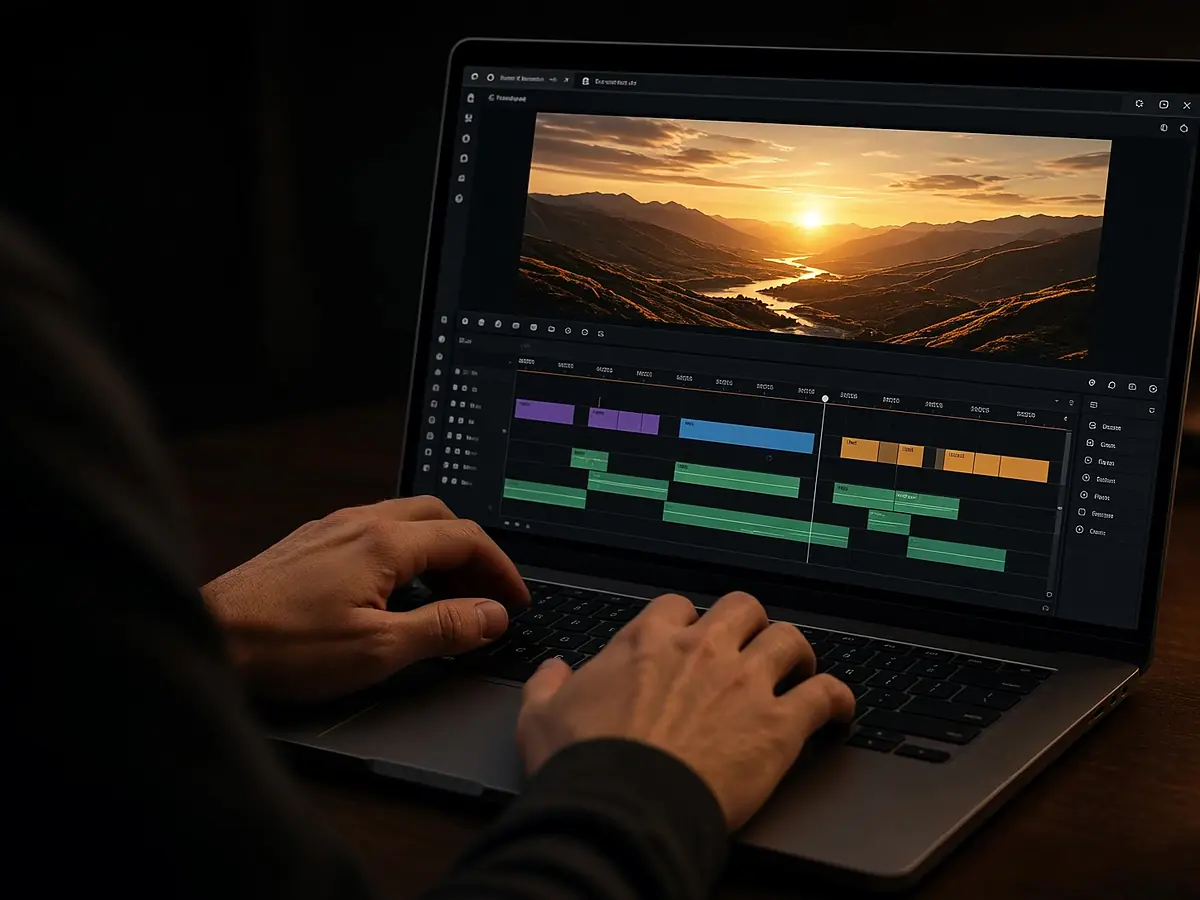
Edit in the browser with an agent beside the timeline
Open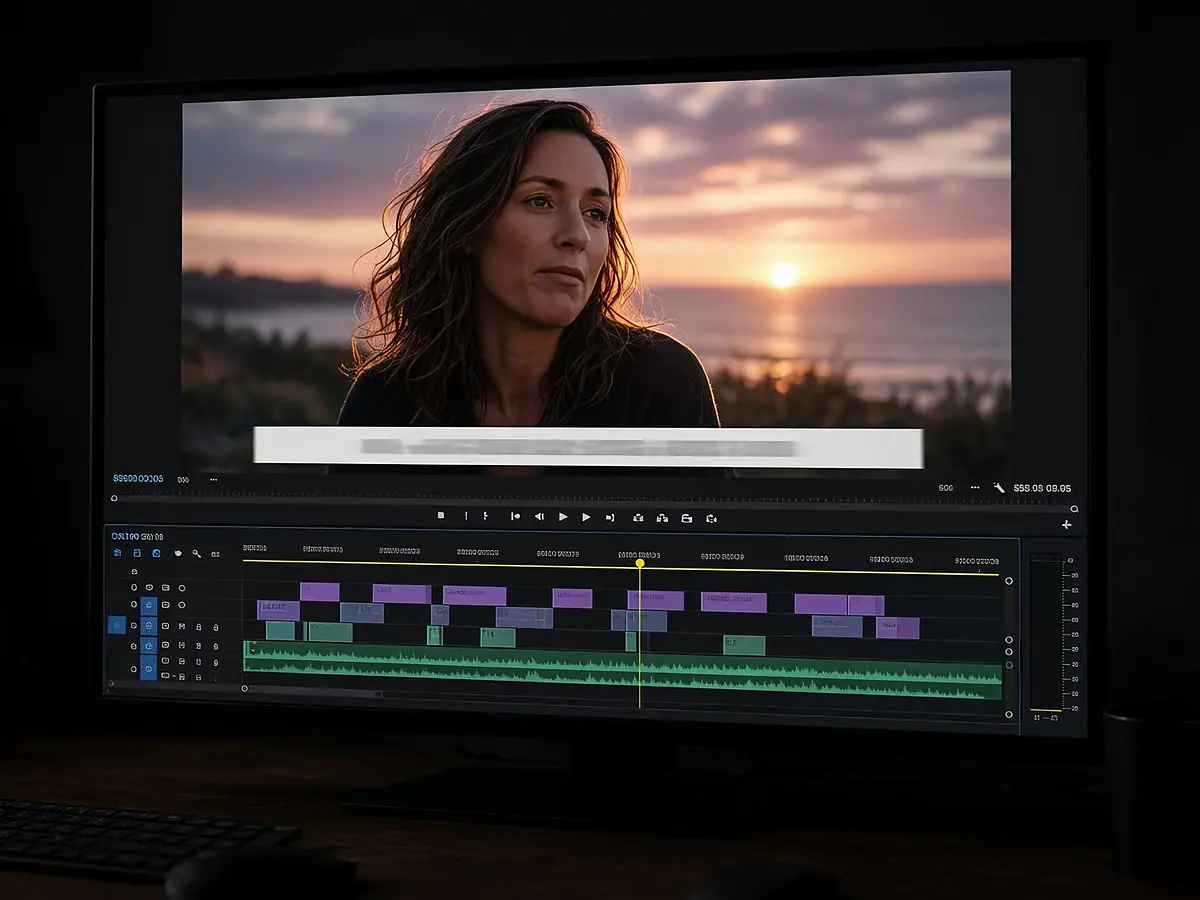
Frame-accurate captions from any audio or video
Open
An agent that edits for you, on a timeline you control
Open
Turn long episodes into captioned clips and vertical shorts
OpenShorts, Reels, and TikTok are vertical, so ask for 9:16 and StarCut sets up the project that way.
Yes. Upload the recording and tell the agent which part to turn into a short.
No. StarCut runs in your browser.
Yes. The short is a normal timeline project, so you can move, trim, and restyle anything.
Describe it, then polish it on the timeline.