How a shared StarCut project keeps the cut
The useful part of a collaborative edit is not the chat. It is the project you can still open tomorrow: the timeline, the generated media, and the path that produced them.

One project, more than one person
StarCut is a creative studio, not a render queue with a share link taped on. People who open the same project are looking at one document. Timeline changes, generated media, and the agent session stay with that project, so a collaborator does not inherit a screenshot of what you meant.
More than one client can watch the same agent session. Only one run executes at a time. That matters when two people are in the project: a second observer does not start a second overlapping edit on the same timeline.
What artifact history actually keeps
An artifact here is a thing the project can open again: a generated clip, a voice track, captions, a motion graphic, or the timeline edit that placed them. They live with the project, not in a scrollback that disappears when the chat is cleared.
That is the difference between a durable history and a preview. If the agent lays down an 18-second promo and you later change a caption by hand, both the generated pieces and your edit are still in the project the next time someone opens it. You are not reconstructing the cut from memory.
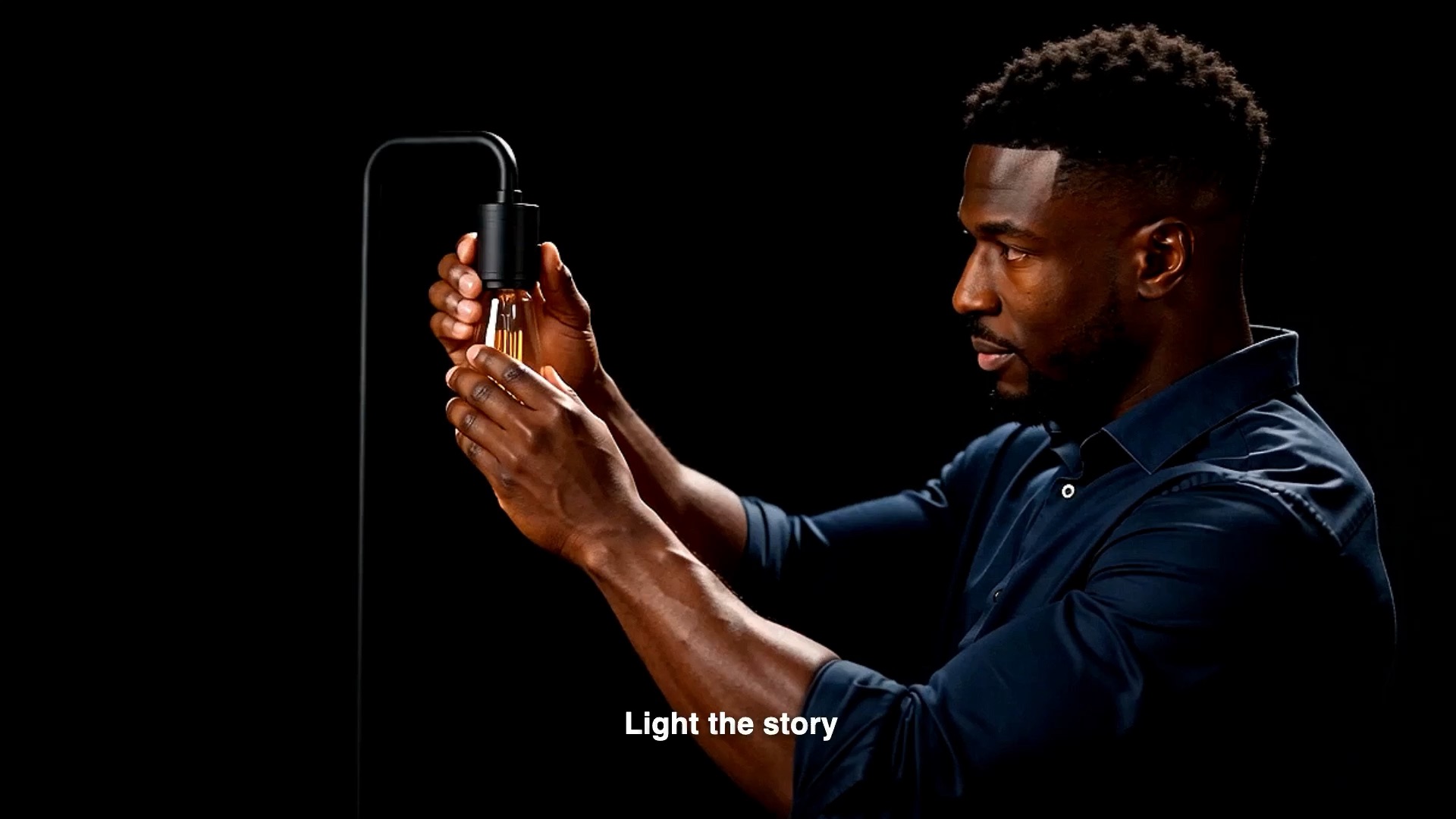
Walkthrough: an 18-second promo, two people
Use a short brief you can judge by eye. The shape below is the kind of cut StarCut’s browser studio is built for: talking-head footage, detail shots, captions, and a score, all still editable when the agent stops.
- 01Open one project in the browser. Invite the other person into that same project rather than exporting a draft to send back.
- 02Ask the agent for the cut in plain language: keep the talking-head master, intercut the detail shots, add kinetic captions, and score a short bed. The run writes into the open project.
- 03Let the other person watch that session. They should not start a second run while the first one holds the lease.
- 04When the run finishes, scrub the timeline. Change a caption, drop a sticker, or trim a shot yourself. Those edits are the project, not a note beside it.
- 05Close the tab. Open the project again later. The timeline and the generated artifacts should still be there to continue from.
When the history is worth it
A one-off experiment does not need a shared project. The studio earns its keep when a cut will be revised: a client asks for the earlier caption, a second person needs to finish the audio, or you want to regenerate one shot without throwing away the timeline around it.
If the only thing you need is a file to post, export when the timeline is right. Until then, stay in the project. The history is the cut you can still change.
StarCut keeps the edit. A finished file is something you export later, not the only thing the session remembers.
Questions
Can two people run the agent on one project at the same time?
They can watch the same session. Only one agent run executes at a time, so two overlapping runs do not edit the timeline together.
Does the project survive if I close the browser?
Yes. The project, including generated artifacts and timeline edits, is kept beyond the tab. Reopen it to continue.
Is the agent output a finished video I cannot touch?
No. Results land in an editable project. You can change the timeline, captions, assets, and effects after the run.
Open the studio
Cut in the browser, keep the timeline editable, and install the plugin when another agent host should drive the same project.