01
From script to narration
Paste a script and choose a voice. StarCut generates the narration as an audio clip you can play back right away.
Write a script, choose a voice, and StarCut generates natural narration in seconds. The voiceover lands on the timeline next to your footage, so you can adjust timing and tone while you edit. No recording session needed.
Narration is added to your project as an audio clip.
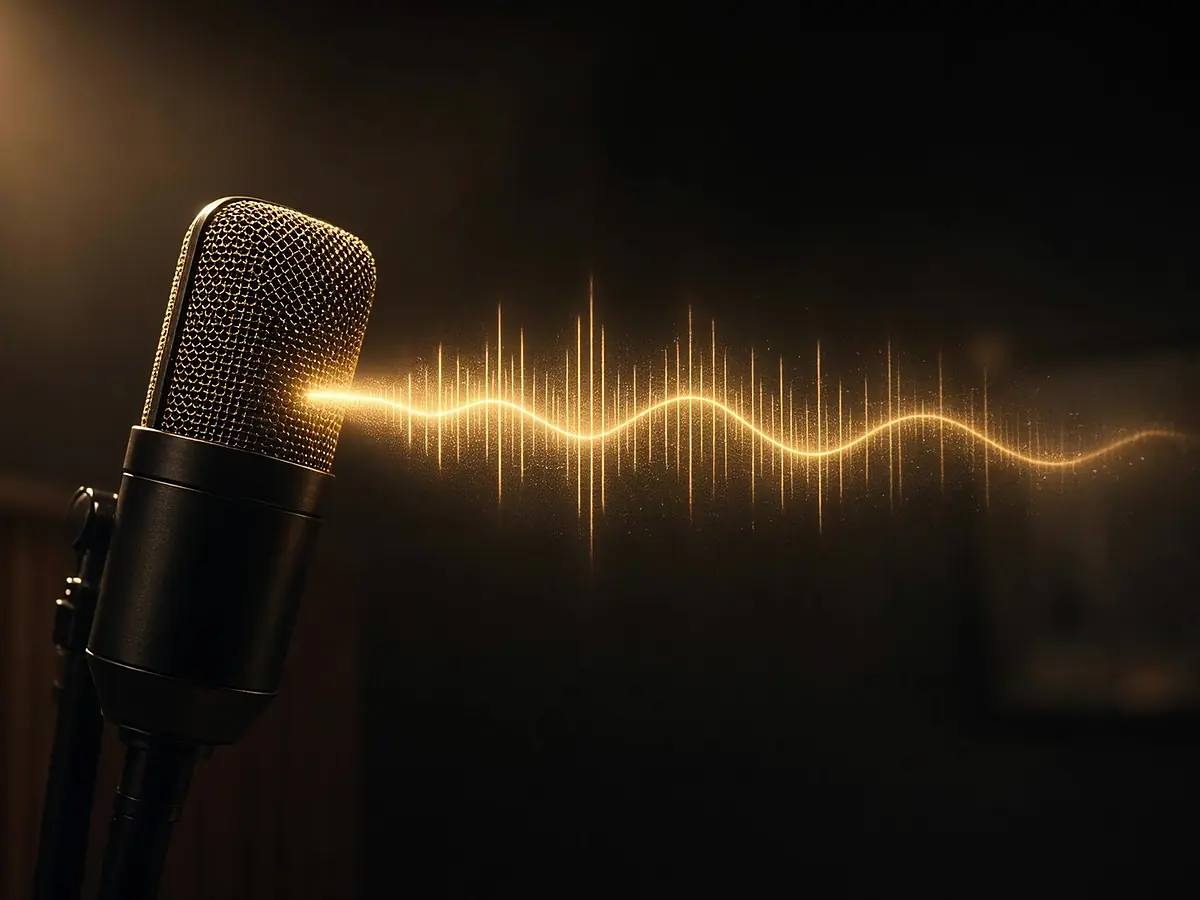
Paste a script and choose a voice. StarCut generates the narration as an audio clip you can play back right away.
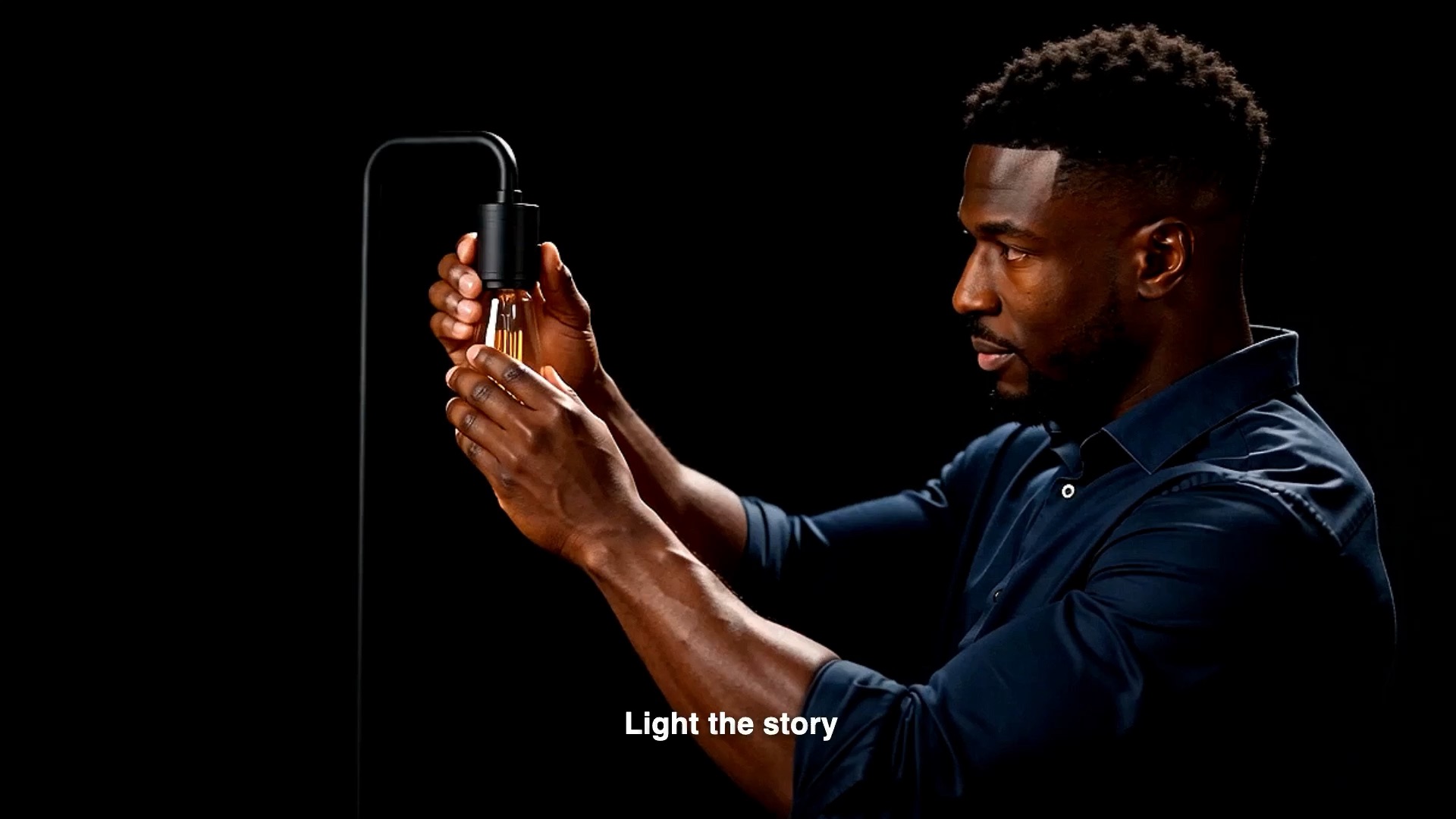
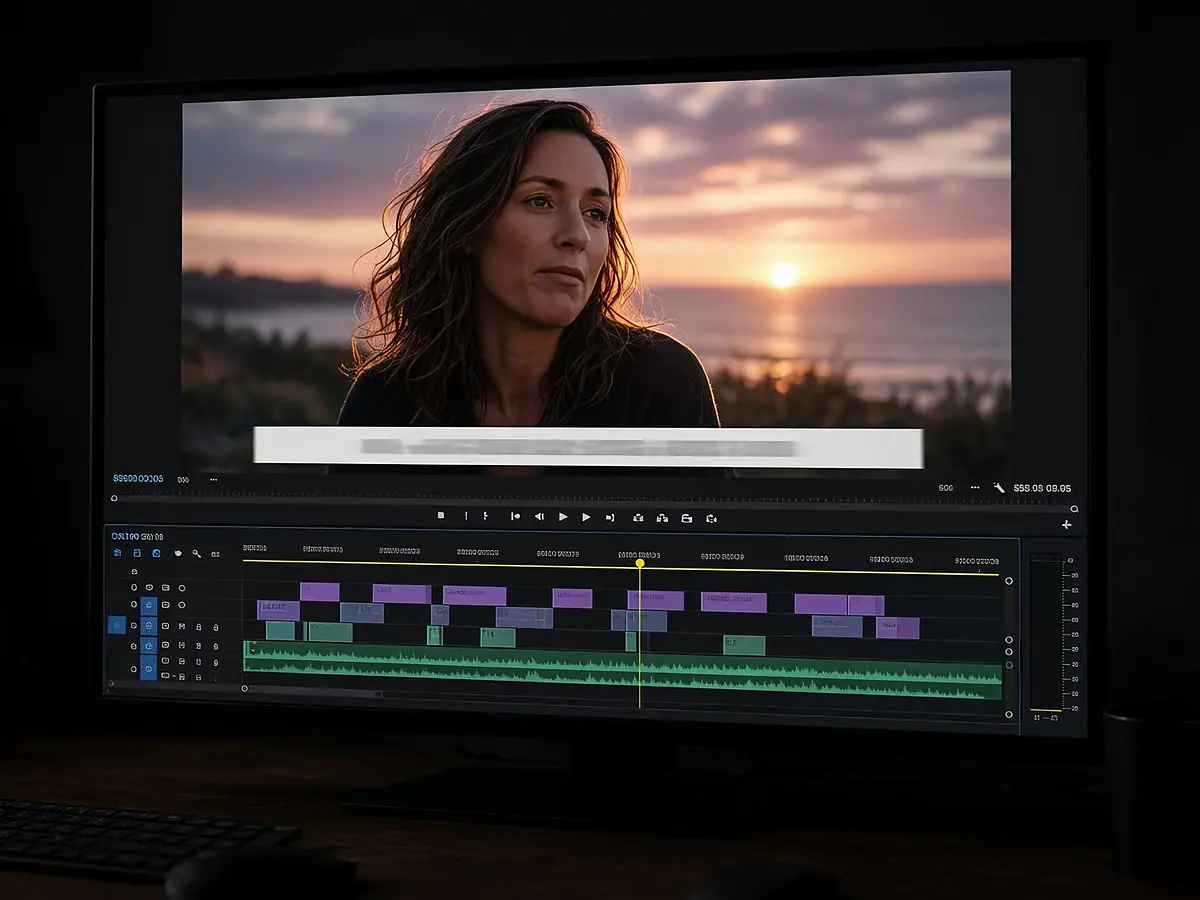
The voiceover lives on the same timeline as your video, so you slide, trim, and retime it against the cut instead of exporting and re-importing audio.
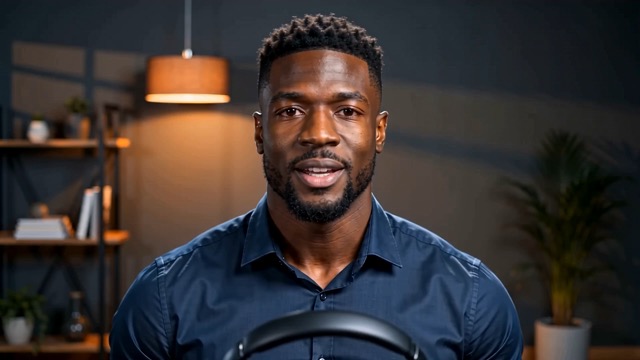
Run the narration through auto subtitles and the on-screen text follows the voice, line by line.
Use a generated voice wherever a recording session would slow you down.

Walk viewers through an idea with clear, even narration.

Add a voice to short clips without stepping in front of a mic.
Narrate a feature walkthrough and keep it in sync with the picture.
Start from your own words, or ask the agent to draft them.
Pick a voice and StarCut produces the narration in seconds.
Line the voiceover up with your footage and adjust the timing.
No. Write the script and StarCut generates the narration for you.
Yes. The narration is an audio clip on your timeline, so you can move and trim it like any other clip.
Yes. Upload your video and add the voiceover in the same project.
Yes. Caption the narration with the auto subtitle tools and the text follows the voice.
Write the script and place the narration on your timeline.