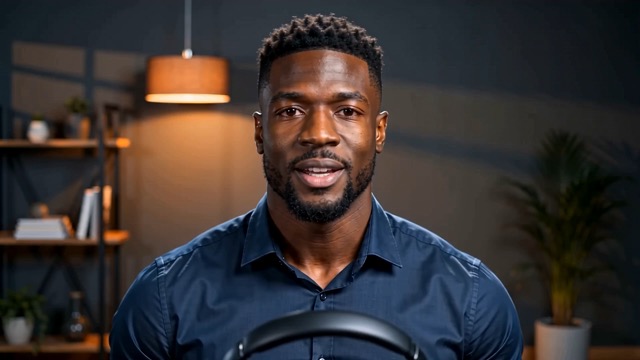
01
Highlight cuts from a prompt
Ask for the topic or timestamp range; the agent drafts a tight cut instead of scrubbing the whole file alone.
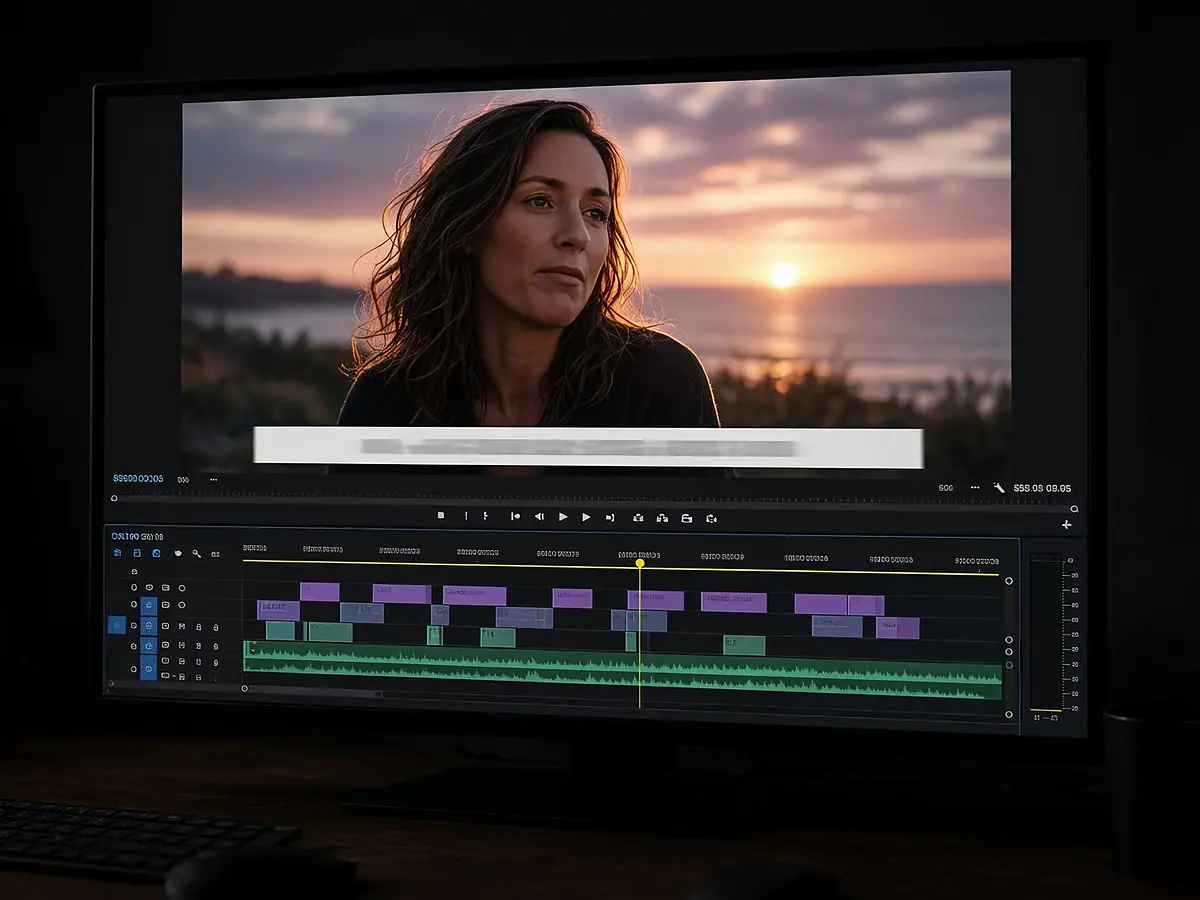
Upload the episode, describe the moments that matter, and let the agent cut, caption, and reframe. You keep a timeline for the final taste pass before publishing to YouTube, Shorts, or LinkedIn.
Works for interviews, panels, and solo shows.
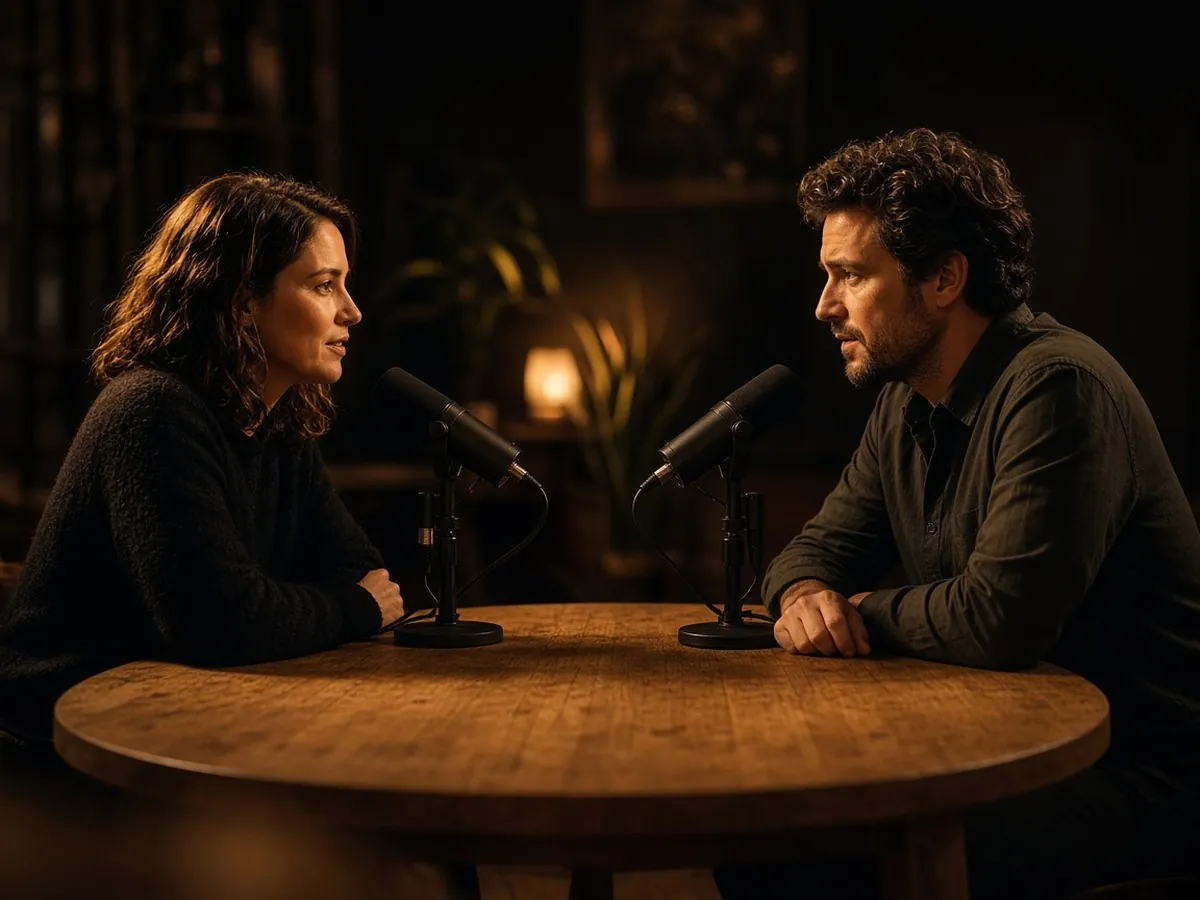
Ask for the topic or timestamp range; the agent drafts a tight cut instead of scrubbing the whole file alone.
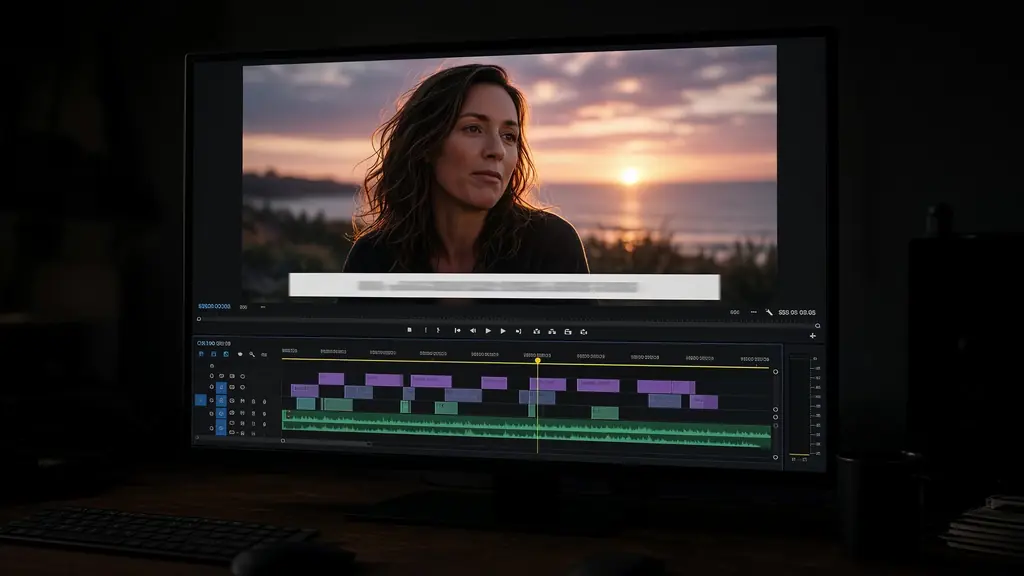
Auto captions help silent scrollers. Restyle them on the timeline when a line needs emphasis.
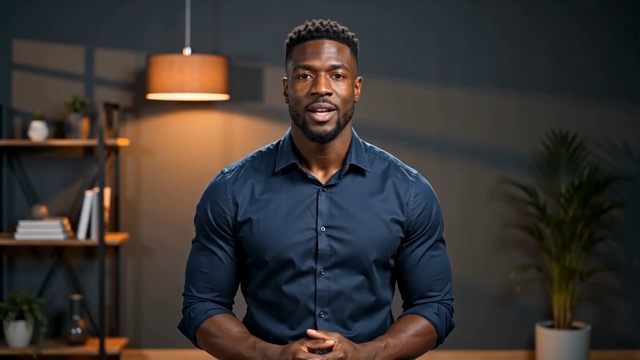
Keep the master wide cut and spin a 9:16 short without starting over.
One agent, many episode formats.

Turn a written outline into a voiced explainer cut.
Ship one strong answer per social post.

Describe three moments; export three captioned clips.
Drop in the full episode or a rough export.
Topic, guest name, or approximate timestamp.
Polish on the timeline, then publish.
Frame-accurate captions from any audio or video
Open
Vertical clips for Shorts, Reels, and TikTok from one prompt
Open
Prompt-first editing with a real timeline, not only a transcript
Open
Natural narration from a script, timed to your edit
OpenYes. Add a voiceover or generate visuals, then caption the result on the timeline.
You can upload multiple angles as media and ask the agent how to cut between them; fine control stays on the timeline.
See auto subtitle generator, AI shorts maker, and text to speech for voice pickups.
Timeline editing does not spend credits. AI generation steps show the credit cost before they run.
Describe the moment. Finish it on the timeline.