
01
Use the photos you already have
Upload product shots and keep them as the hero of the cut.
Start from product photos or a quick phone clip. Ask the agent for a mood shot, captions with the key benefits, and a voiceover — then make a wide version for your listing and a vertical one for social.
AI generation steps show their credit cost before they run.
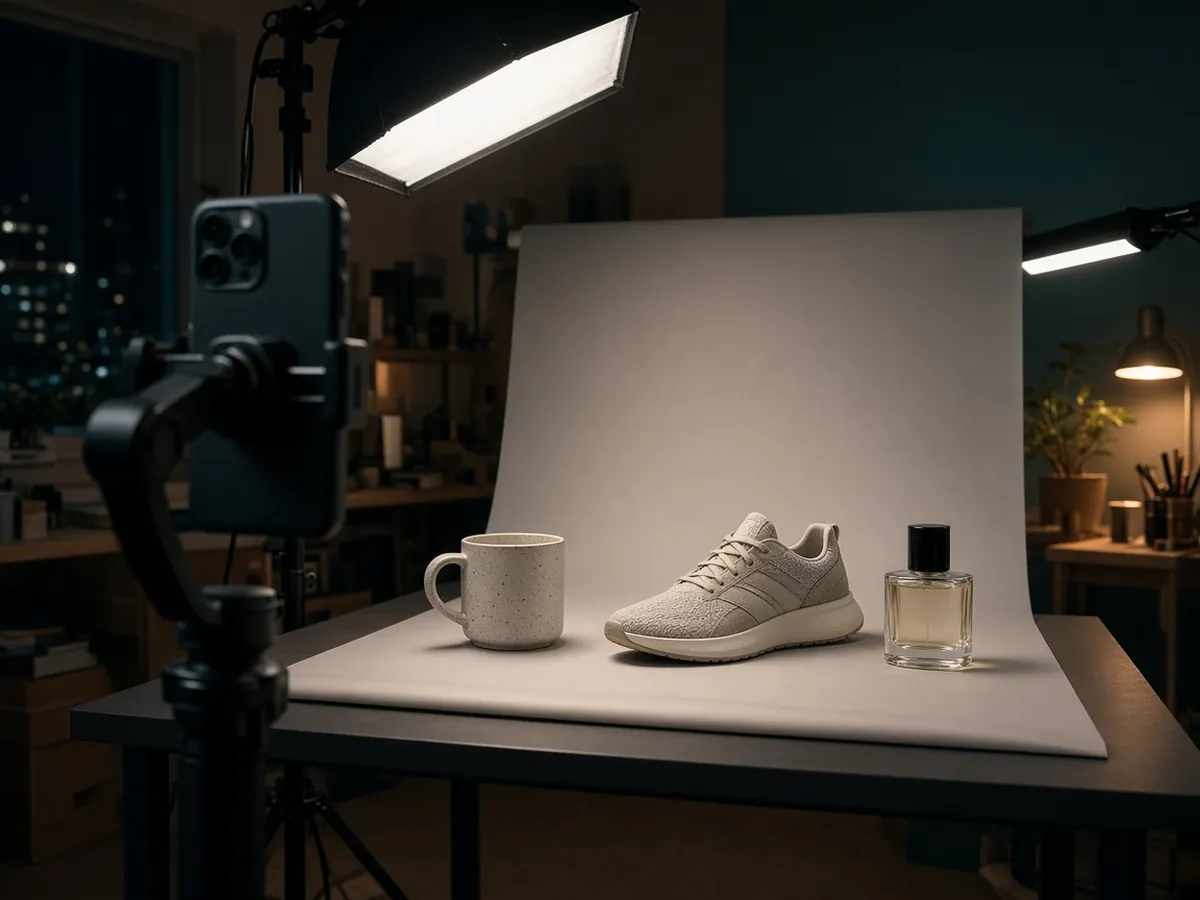
Upload product shots and keep them as the hero of the cut.

Ask for a lifestyle or mood shot to start or end the video.

Keep a listing version and a 9:16 social version side by side.
Listings, ads, and launches.

Motion titles and a reveal for a new drop.

Explain features with a text-to-speech voice.
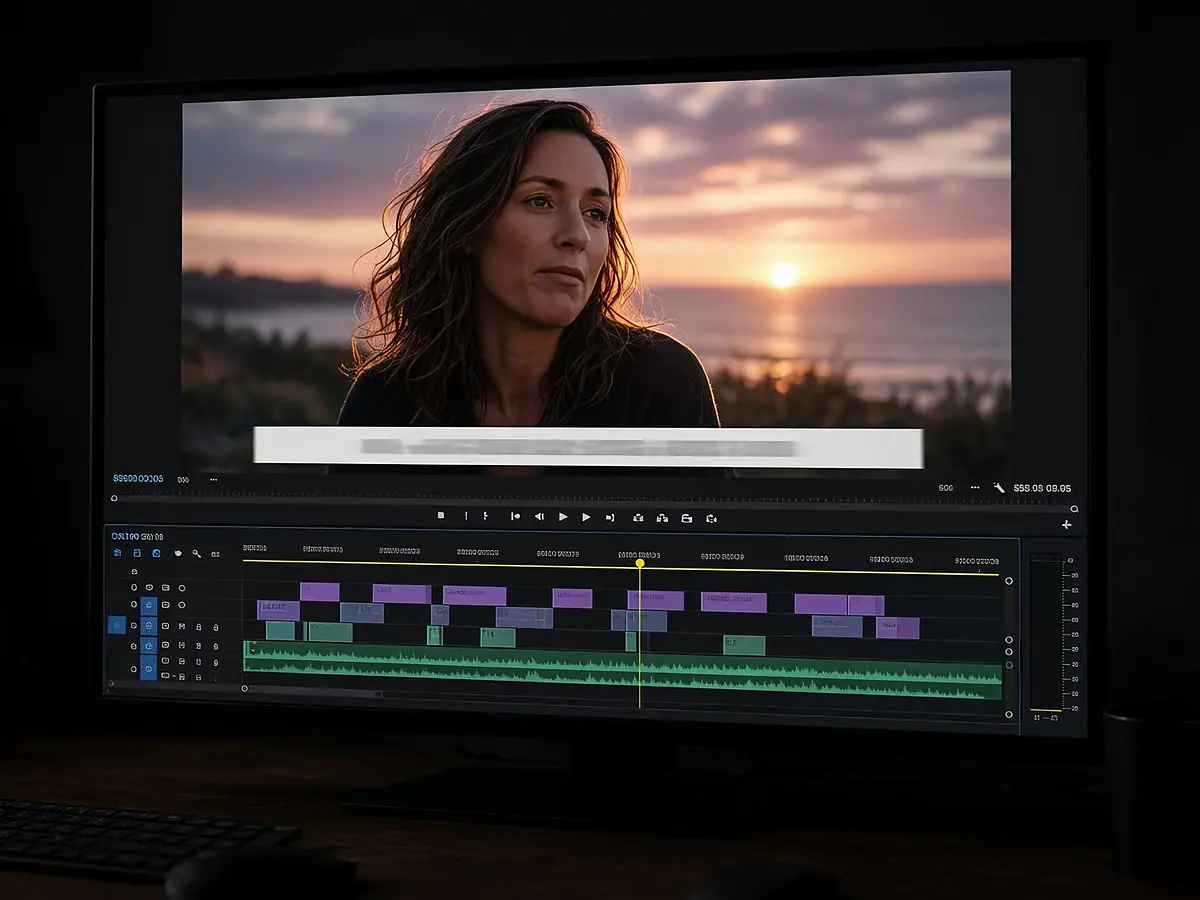
Captions carry the message with sound off.
Photos, phone clips, or both.
Length, platform, and selling points.
Check claims and captions, then publish.
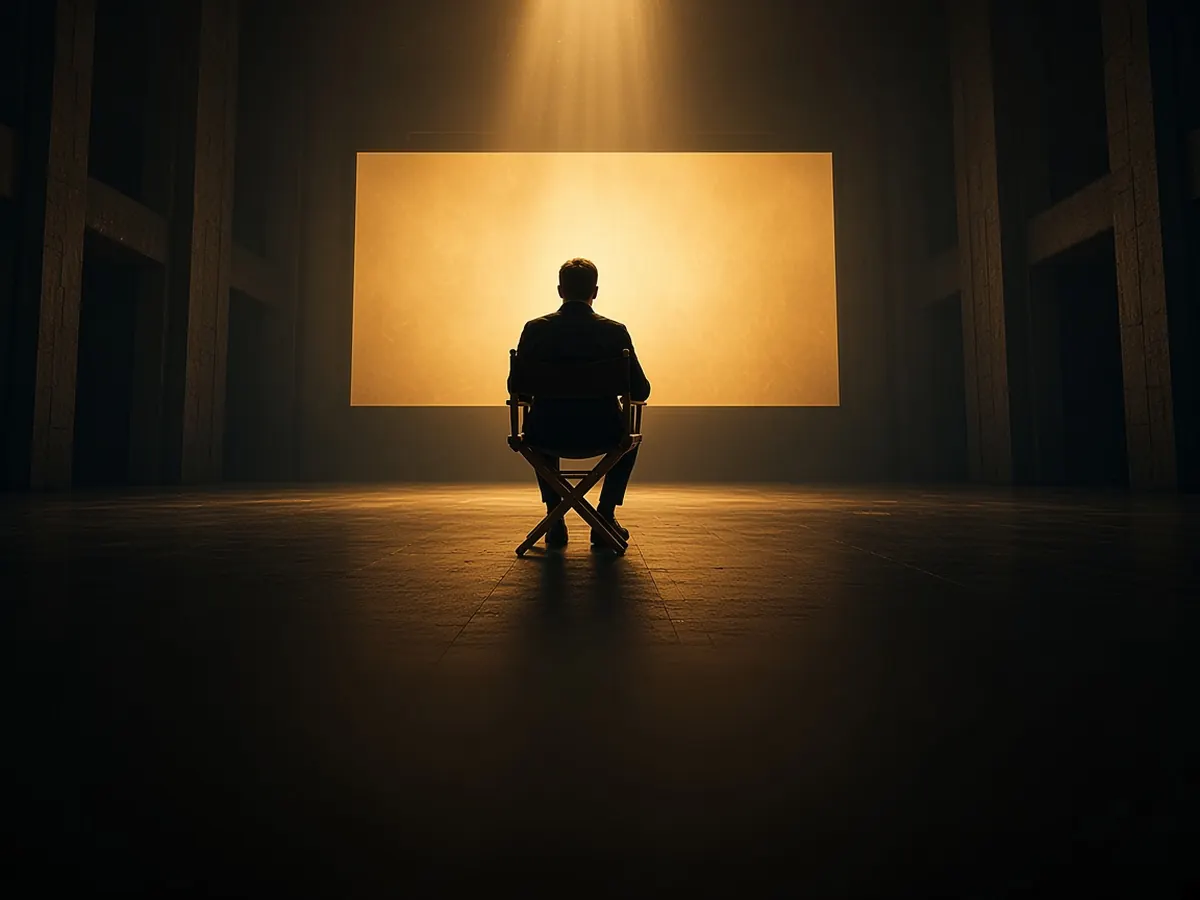
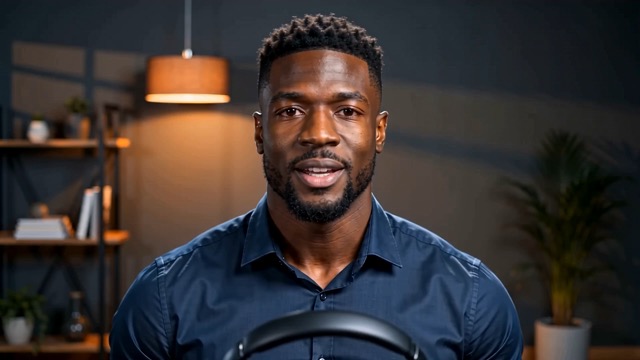
Generated footage can drift from the real item, so keep your real photos for product detail and use generation for mood shots. Always review before publishing.
No. You export the video and upload it to your store or ad platform yourself.
Timeline editing does not spend credits. AI generation steps show the credit cost before they run.
See product video maker, AI video generator, and text to speech.
Start from your photos. Finish on the timeline.