AI Video Editor Online

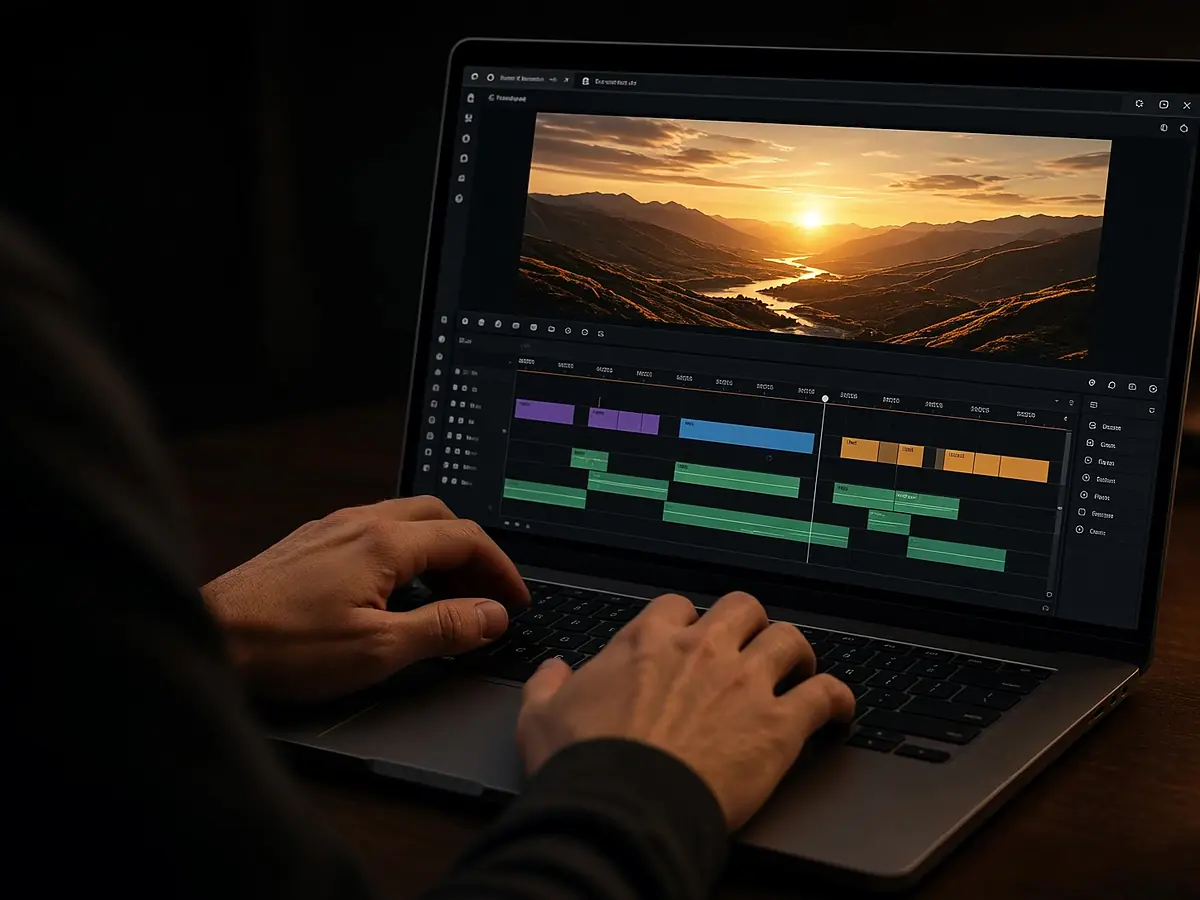
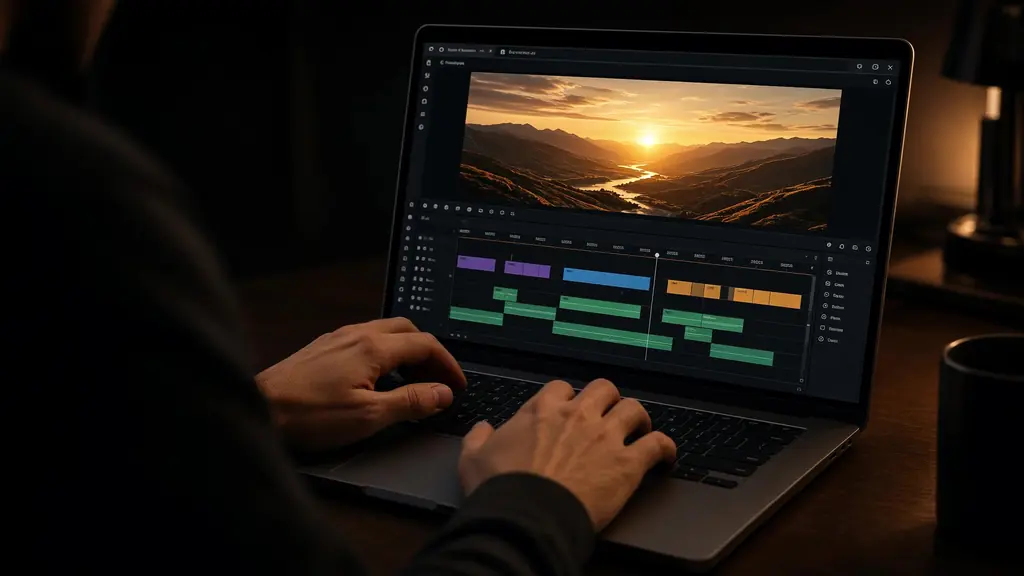
Tell StarCut what the cut should feel like. The agent trims clips, places captions, adds graphics and music, and leaves everything on a timeline you can open and adjust. It all runs in your browser.

Enter a prompt before starting creation.

Runs in a modern browser. Nothing to install.

An editor that makes the first pass and lets you finish it

01

Describe the cut, get a timeline

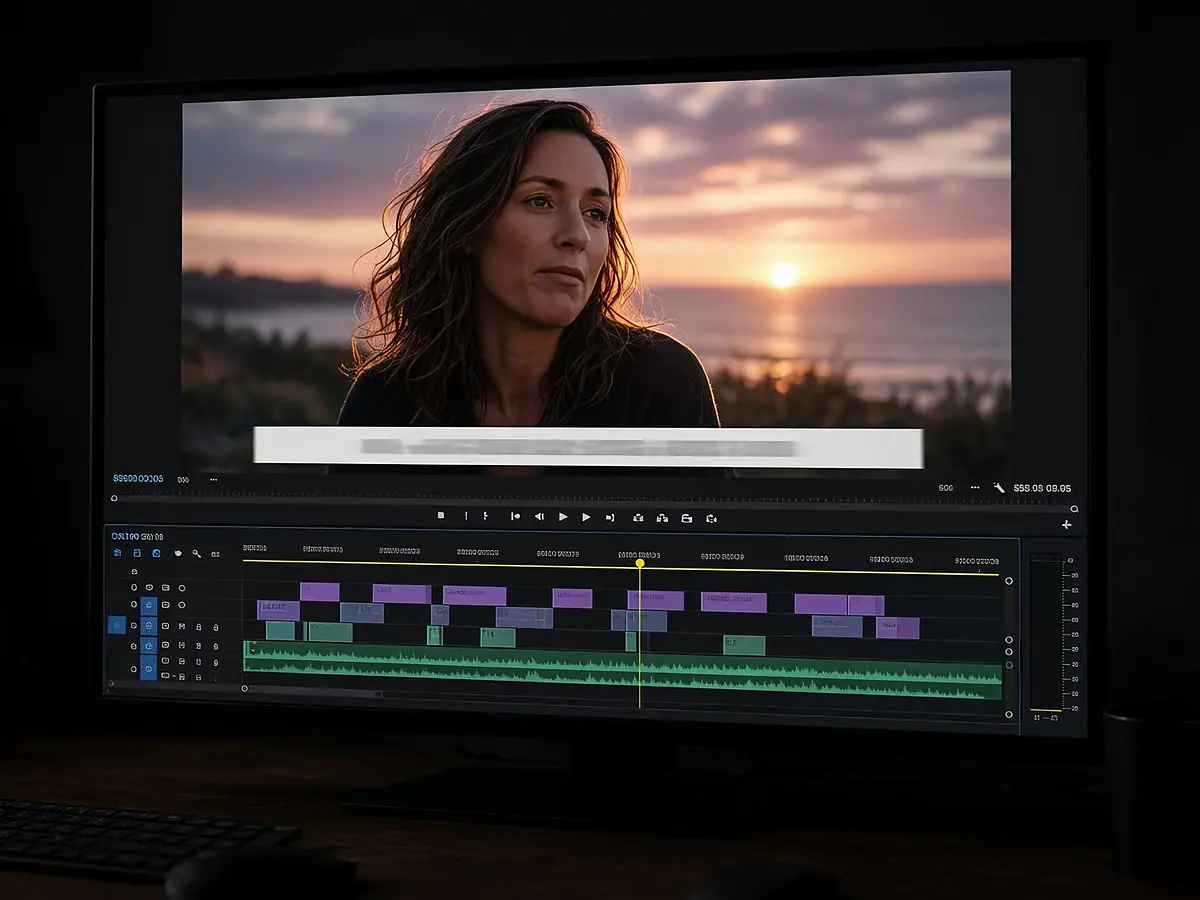
Write what you want in plain language: the length, the pace, the mood, and what to keep. The agent lays the clips on video, graphics, and music tracks instead of rendering a flat file.

Every cut, caption, and sticker is a separate clip you can move, trim, or delete.

Presenter shot with a generated lighting detail added to the project
02

Generate what the footage is missing

Need a b-roll shot, a sound effect, a sticker, or a title card? Ask for it in the same chat. StarCut calls video, image, audio, and motion graphics models and drops the result into the project.

Presenter walking through a studio, edited in a browser tab
03

No install, any machine

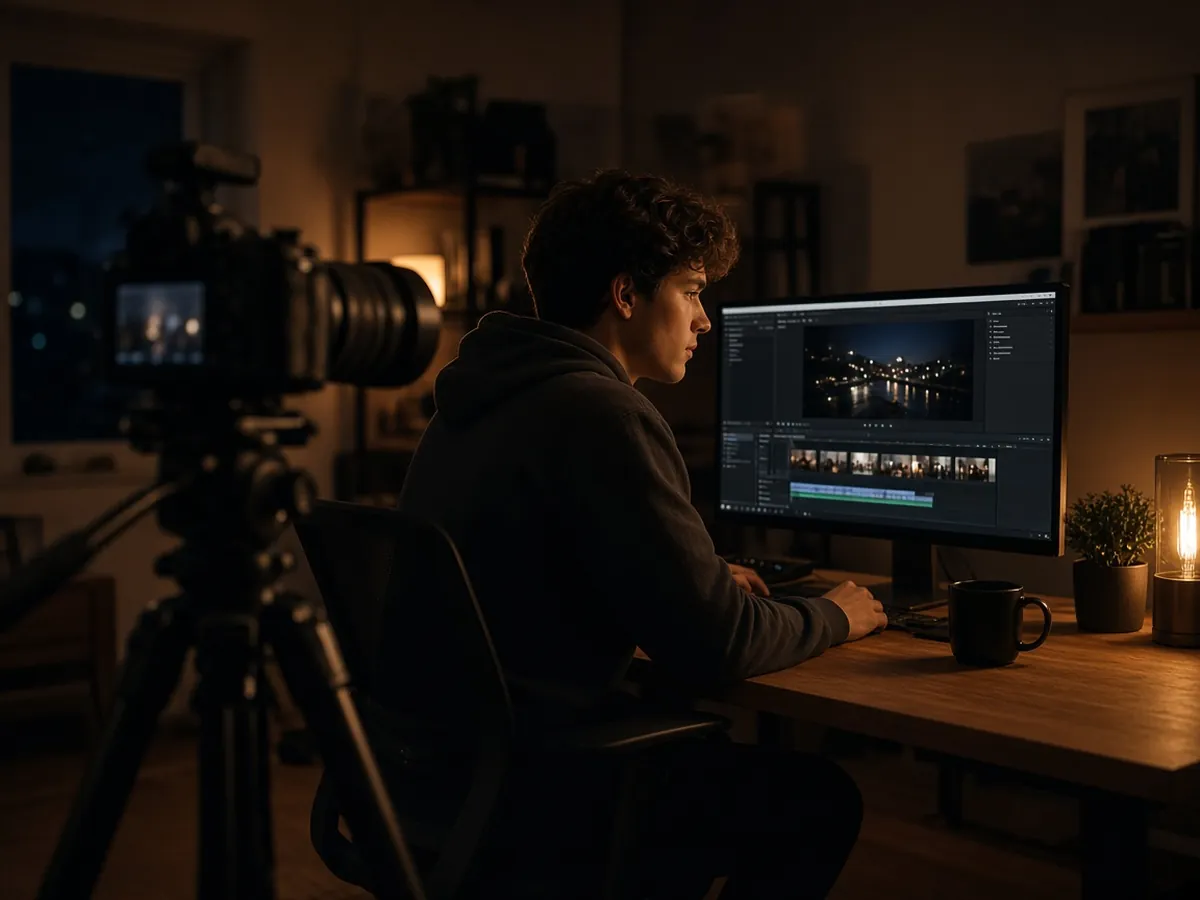
StarCut is a browser video editor: no download, no hardware upgrade, nothing to keep updated. Open the project again and keep working where you left off.

One editor, every kind of cut

From talking-head promos to product explainers, the agent handles the repetitive first pass.

  • Talking-head promo cut in StarCut

    Creator promos

    Turn a long recording into a short cut with kinetic captions and a hook.

  • Presenter explaining an idea with a notebook

    Product explainers

    Intercut presenter shots with detail moments and add callouts.

  • Short social clip of a presenter wearing headphones

    Social clips

    Cut, caption, and score short clips for social feeds.

How to edit a video with AI in three steps

  1. Step 1

    Add your footage

    Upload your clips, or ask StarCut to generate shots with a video model.

  2. Step 2

    Describe the edit

    Say what to keep, how long it should run, and the tone. The agent builds the timeline.

  3. Step 3

    Refine on the timeline

    Adjust any clip, caption, or track yourself, or ask the agent for another pass.

Questions about the AI video editor

Do I need to download anything?

No. StarCut runs in a modern browser, so you can create and edit without installing a desktop application.

Can I edit what the agent creates?

Yes. Every result opens as an editable project where you can refine the timeline, captions, assets, and effects.

How much does StarCut cost?

Plans for creators and teams are still being finalized. You can sign in and start editing in the meantime.

Can I drive StarCut from ChatGPT or Claude?

Yes. Install the StarCut plugin and an agent host such as ChatGPT, Claude Code, or Cursor can edit the same project through MCP.

Make your first cut in the browser

Describe the edit and let the agent build the timeline.