01
Prompt or first frame
Start from words, or hand the agent a still to use as the opening frame of the shot.
Describe a shot or start from a still image. The agent generates footage and drops it into a project, so the next step is editing — not downloading files and starting over somewhere else.
Generation steps show their credit cost before they run.
Start from words, or hand the agent a still to use as the opening frame of the shot.
Ask for another take, a different mood, or a shorter beat. The agent keeps the project context.
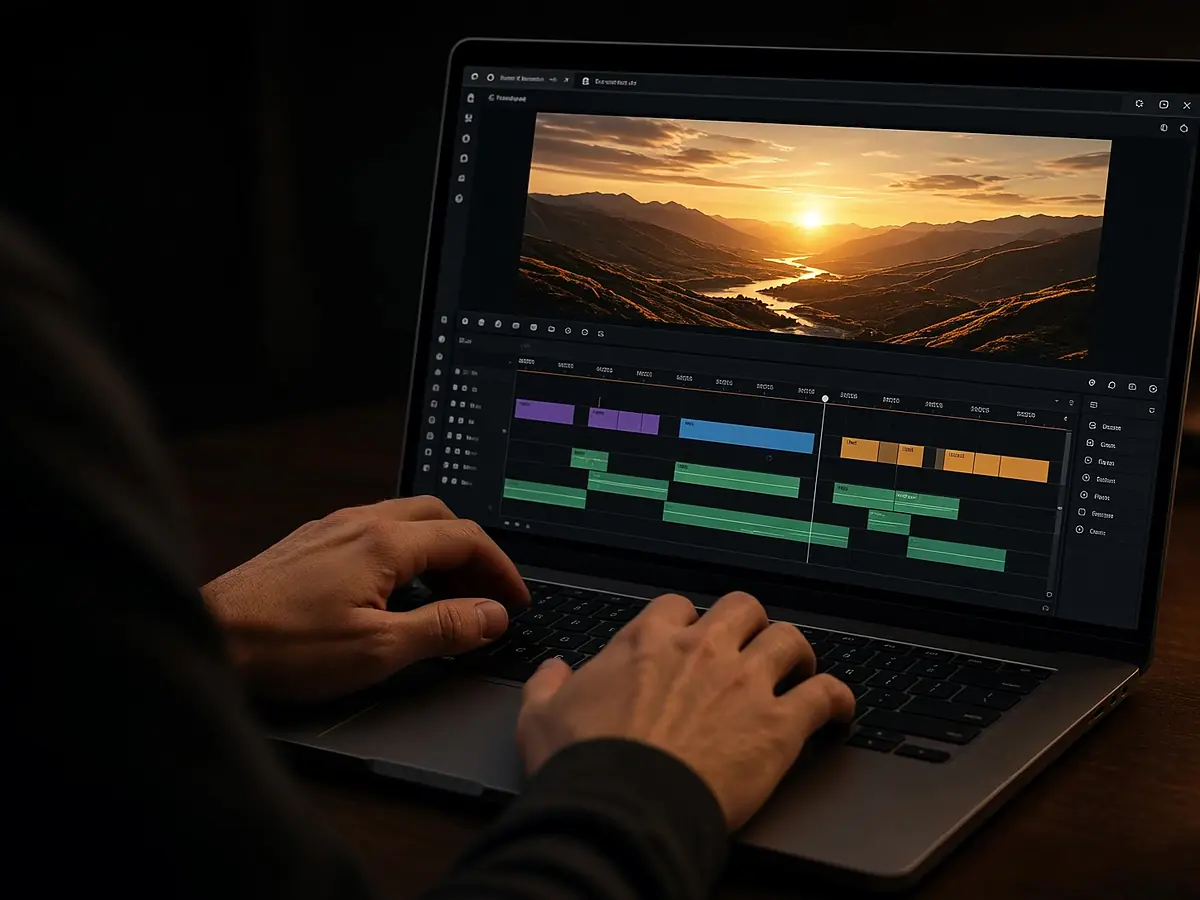
Generated clips land in your edit, ready for cuts, captions, music, and voiceover.
Fill the shots you could not film.

Generate a mood shot around a real product still.
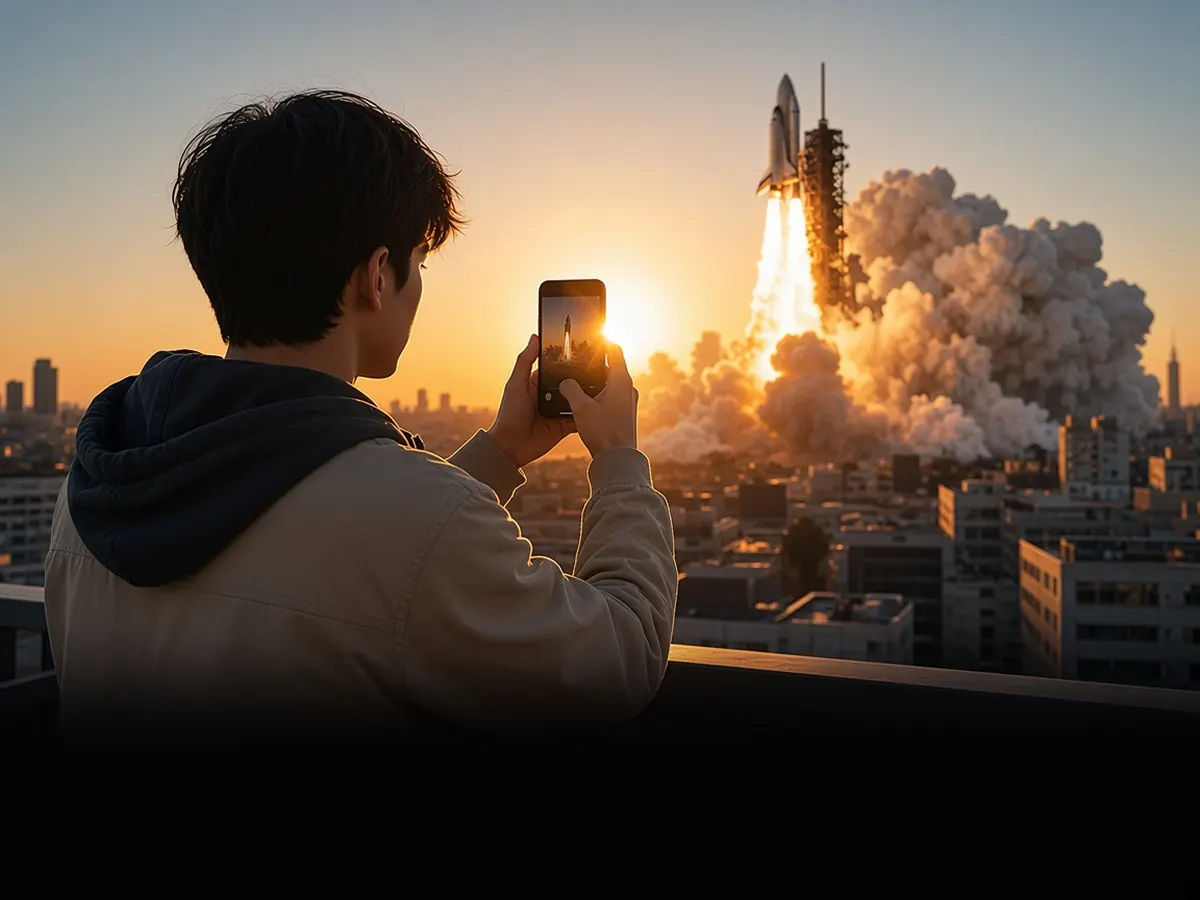
Open a Short with a striking generated first second.
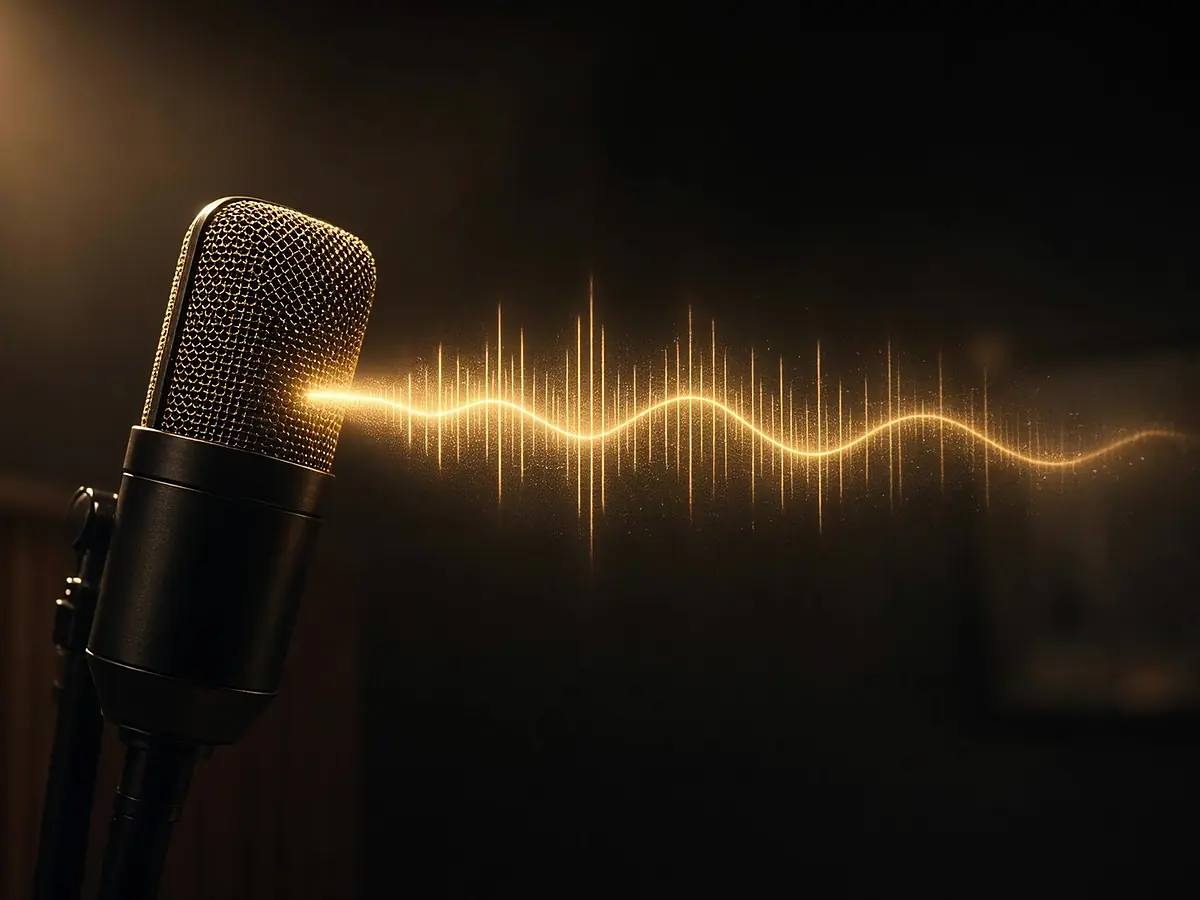
Pair generated visuals with a text-to-speech voice.
Or upload the image to animate.
Ask for changes in plain language.
Cut, caption, and voice it on the timeline.
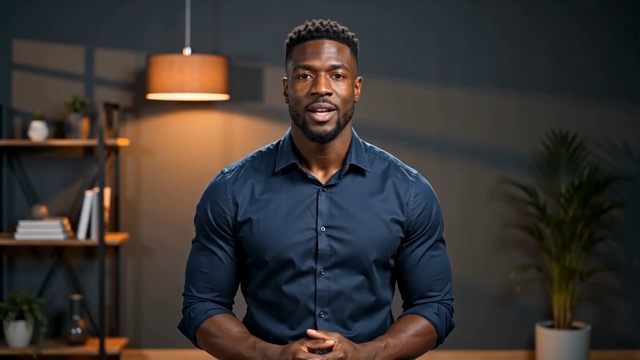
Yes. AI generation steps show the credit cost before they run; timeline editing itself does not spend credits.
Yes. Upload a still and ask the agent to use it as the first frame of a generated shot.
A project. Generated clips sit on a timeline you can keep editing.
See AI motion graphics, product video maker, and text to speech.
Describe it. Then edit it like real footage.